34 Automated Code Review Tools Compared (2026)
34 automated code review tools compared across AI PR reviewers, static analysis, linters, security scanners, and code quality platforms with pricing.
Published:
Last Updated:
What is automated code review?
Automated code review is the practice of using software tools to analyze code changes and provide feedback without requiring a human to read every line. These tools run automatically when a developer opens a pull request, pushes a commit, or saves a file in their IDE. They catch bugs, security vulnerabilities, style violations, performance issues, and code quality problems before a human reviewer ever sees the code.
The category has expanded dramatically. Five years ago, “automated code review” meant linters and static analyzers like ESLint or SonarQube. Today, it encompasses AI-powered PR reviewers that understand code semantics, security scanners that trace data flows across files, type checkers that catch entire categories of runtime errors, and code quality platforms that track technical debt over time.
Why it matters. Research from Google and Microsoft consistently shows that developers spend 6-12 hours per week on code review, and the average pull request waits 24-48 hours for its first human review. Automated tools reduce that burden by handling the mechanical checks — null safety, input validation, error handling, style consistency — so human reviewers can focus on architecture, business logic, and design decisions.
The problem is that there are now dozens of tools across overlapping categories, and choosing the wrong combination wastes money without improving code quality. This guide covers all 34 tools worth knowing about in 2026, organized by category, with honest assessments of pricing, strengths, and limitations.
Master comparison table: all 34 automated code review tools
| # | Tool | Category | Pricing | Languages | GitHub | GitLab | Bitbucket | Azure DevOps |
|---|---|---|---|---|---|---|---|---|
| 1 | CodeRabbit | AI PR Review | Free / $24/user/mo | 30+ | Yes | Yes | Yes | Yes |
| 2 | Cursor BugBot | AI PR Review | $40/user/mo | 10+ | Yes | No | No | No |
| 3 | GitHub Copilot | AI PR Review | Free / $10/user/mo | 20+ | Yes | No | No | No |
| 4 | PR-Agent (Qodo Merge) | AI PR Review (OSS) | Free (self-hosted) / $30/user/mo | 20+ | Yes | Yes | Yes | Yes |
| 5 | Sourcery | AI Code Quality | Free (OSS) / $10/user/mo | 4 | Yes | Yes | No | No |
| 6 | Qodo | AI Review + Tests | Free / $30/user/mo | 10+ | Yes | Yes | No | No |
| 7 | Amazon Q Developer | AI Review (AWS) | Free / $19/user/mo | 15+ | Yes | Yes | No | No |
| 8 | Greptile | AI PR Review | $30/dev/mo | 12+ | Yes | Yes | Yes | No |
| 9 | SonarQube | Static Analysis | Free (Community) / ~$150/yr | 35+ | Yes | Yes | Yes | Yes |
| 10 | Codacy | Code Quality | Free / $15/user/mo | 49 | Yes | Yes | Yes | No |
| 11 | DeepSource | Code Quality + AI | Free (individual) / $24/user/mo | 16 | Yes | Yes | Yes | No |
| 12 | CodeClimate | Maintainability | Free (OSS) / $49/mo | 10+ | Yes | Yes | Yes | No |
| 13 | Qlty | Code Quality | Free (public) / $32/user/mo | 30+ | Yes | Yes | No | No |
| 14 | Coverity | Defect Detection | ~$50K/yr | 22+ | Yes | Yes | Yes | Yes |
| 15 | Semgrep | Security Scanner | Free (10 contributors) / $35/user/mo | 30+ | Yes | Yes | Yes | No |
| 16 | Snyk Code | Security Scanner | Free (limited) / $25/dev/mo | 19+ | Yes | Yes | Yes | Yes |
| 17 | Checkmarx | Enterprise SAST | ~$40K/yr | 35+ | Yes | Yes | Yes | Yes |
| 18 | Veracode | Cloud SAST + SCA | ~$15K/yr | 25+ | Yes | Yes | Yes | Yes |
| 19 | CodeQL | Security (GitHub) | Free (public repos) / $49/committer/mo | 10+ | Yes | No | No | No |
| 20 | Fortify | Enterprise SAST | ~$40K/yr | 33+ | Yes | Yes | Yes | Yes |
| 21 | ESLint | Linter | Free (OSS) | JS/TS | Yes* | Yes* | Yes* | Yes* |
| 22 | Biome | Linter + Formatter | Free (OSS) | JS/TS/JSON/CSS | Yes* | Yes* | Yes* | Yes* |
| 23 | Pylint | Linter | Free (OSS) | Python | Yes* | Yes* | Yes* | Yes* |
| 24 | Ruff | Linter + Formatter | Free (OSS) | Python | Yes* | Yes* | Yes* | Yes* |
| 25 | RuboCop | Linter | Free (OSS) | Ruby | Yes* | Yes* | Yes* | Yes* |
| 26 | golangci-lint | Linter | Free (OSS) | Go | Yes* | Yes* | Yes* | Yes* |
| 27 | Clippy | Linter | Free (OSS) | Rust | Yes* | Yes* | Yes* | Yes* |
| 28 | PMD | Linter | Free (OSS) | Java/Apex | Yes* | Yes* | Yes* | Yes* |
| 29 | Prettier | Formatter | Free (OSS) | JS/TS/CSS/HTML/etc. | Yes* | Yes* | Yes* | Yes* |
| 30 | mypy | Type Checker | Free (OSS) | Python | Yes* | Yes* | Yes* | Yes* |
| 31 | Bandit | Security Linter | Free (OSS) | Python | Yes* | Yes* | Yes* | Yes* |
| 32 | Brakeman | Security Scanner | Free (OSS) | Ruby (Rails) | Yes* | Yes* | Yes* | Yes* |
| 33 | oxlint | Linter | Free (OSS) | JS/TS | Yes* | Yes* | Yes* | Yes* |
| 34 | Socket | Supply Chain Security | Free (OSS) / $25/dev/mo | All (packages) | Yes | No | No | No |
* Linters and formatters run in any CI system via command line. Platform support means CI integration, not native app installation.
AI PR reviewers
AI PR reviewers use large language models to analyze pull requests and leave contextual comments. Unlike rule-based tools, they understand code semantics, catch logic errors, and generate natural language explanations of what is wrong and how to fix it. This category has matured rapidly since 2024, and the best tools now provide review quality that approaches a competent human reviewer for mechanical issues.
1. CodeRabbit — AI review, zero config, all platforms
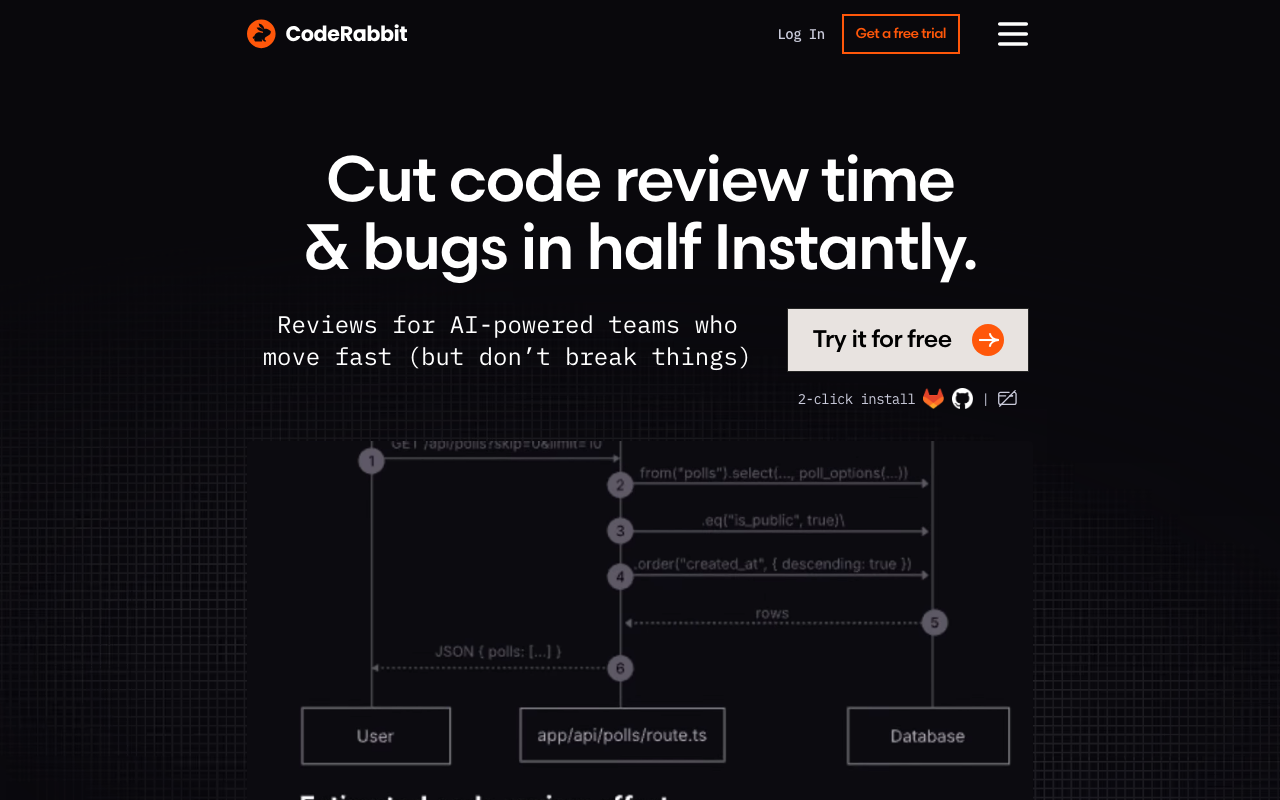
CodeRabbit is the most widely adopted AI code review tool, with over 2 million connected repositories and 13 million pull requests reviewed. It uses LLMs to analyze every pull request the moment it is opened, generating a structured walkthrough summarizing what changed and leaving inline comments on specific lines where it finds issues.
Key features. CodeRabbit generates PR walkthroughs with file-by-file breakdowns, posts inline fix suggestions that can be applied with one click, and includes 40+ built-in linters alongside its AI analysis. The natural language configuration system lets you define review rules in plain English via a .coderabbit.yaml file — no rule syntax to learn. It supports GitHub, GitLab, Bitbucket, and Azure DevOps, which is the broadest platform coverage of any AI reviewer.
What it catches. In testing, CodeRabbit consistently identifies null safety violations, missing error handling, race conditions, security vulnerabilities (SQL injection, XSS, hardcoded secrets), and API contract mismatches. It understands cross-file context well enough to flag when a function signature change breaks callers in other files.
Pricing. The free tier covers unlimited public and private repositories with no contributor cap. The Pro plan at $24/user/month adds custom review profiles, priority processing, and advanced configuration. Enterprise pricing is available for self-hosted deployments and SSO.
Best for: Any team that wants comprehensive AI-powered PR review with minimal setup. The free tier is production-ready for most small teams.
2. Cursor BugBot — agentic review focused on real bugs
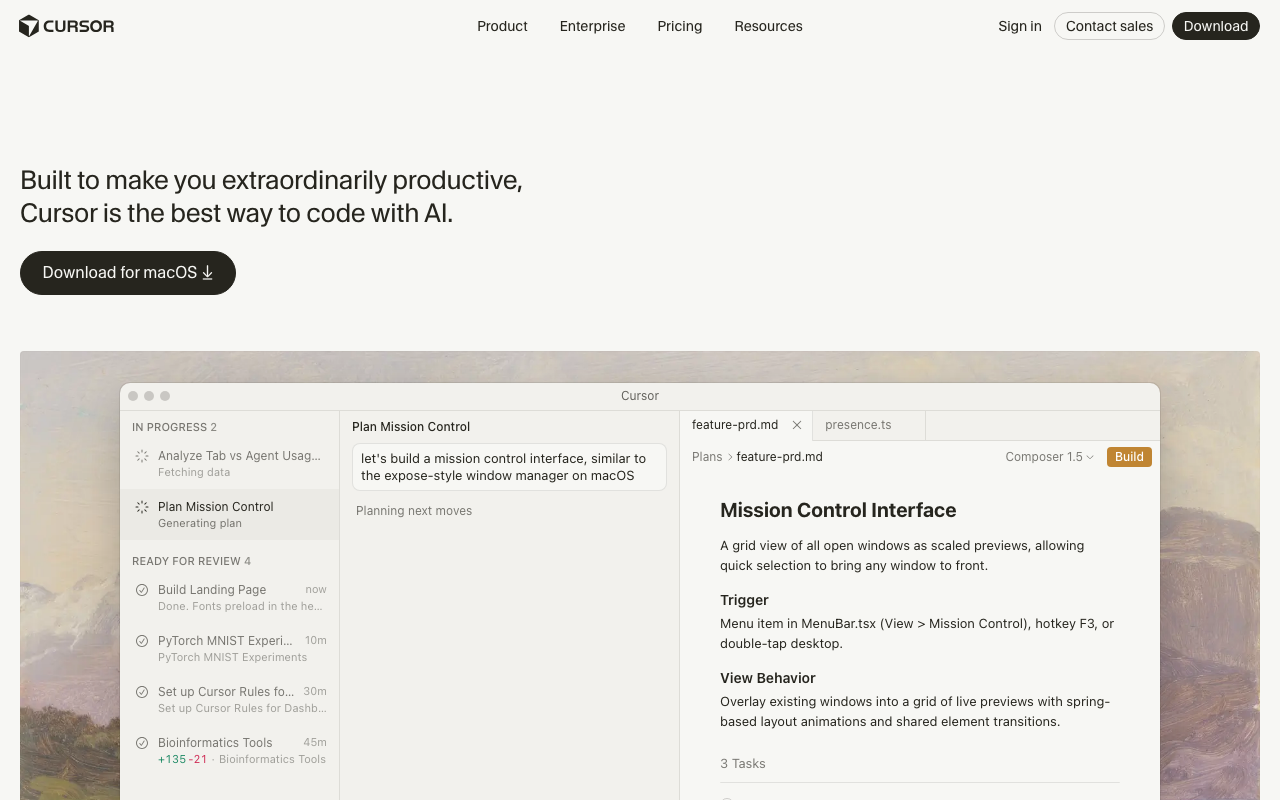
Cursor BugBot is Cursor’s code review bot. Where most AI reviewers run a fixed analysis pass over the diff, BugBot works agentically: it reasons about the change, pulls in whatever surrounding files it needs, and reports only what it believes is an actual defect.
Key features. BugBot posts findings as PR comments with a one-click “Fix in Cursor” handoff that opens the issue in the editor with full context. BugBot Autofix can propose the change itself using cloud agents. Teams define custom review guidelines in natural language through .cursor/BUGBOT.md files, including nested per-directory rules.
What sets it apart. The deliberate narrowness. BugBot does not comment on style or formatting, which keeps the comment count low and the signal high — Cursor reports a resolution rate above 70% on the issues it flags. For teams already living in Cursor, the review-to-fix loop never leaves the editor.
Pricing. No free tier. Pro is $40/user/month ($32 annually) with a 14-day trial and a cap of 200 PRs per user per month. Teams pricing is custom and includes a 30-day org-wide trial.
Best for: Cursor-based teams on GitHub that want a low-noise bug finder rather than a general-purpose reviewer. Note that it is GitHub-only and bills per PR author, which can surprise open-source maintainers.
3. GitHub Copilot Code Review — built into GitHub
GitHub Copilot added code review capabilities as part of its expanding platform. As a GitHub-native tool, it benefits from zero-friction setup for teams already on GitHub — you enable it in repository settings and it starts reviewing PRs immediately.
Key features. Copilot Code Review posts inline comments on pull requests with suggested fixes that can be committed directly. It leverages GitHub’s deep understanding of your repository structure, issues, and commit history. The tool is integrated into the same Copilot subscription that provides code completion, chat, and CLI assistance, making it an incremental feature rather than a separate product.
What it catches. Copilot identifies common bugs, style inconsistencies, potential performance issues, and basic security concerns. It works across 20+ languages but is strongest on JavaScript, TypeScript, Python, and Go. Review depth is shallower than dedicated AI review tools — it tends to focus on line-level issues rather than cross-file or architectural concerns.
Pricing. The free GitHub Copilot plan includes limited code review interactions per month. Copilot Pro at $10/user/month and Copilot Business at $19/user/month include more generous review limits. Copilot Enterprise at $39/user/month adds organization-wide knowledge and fine-tuning.
Best for: Teams already using GitHub Copilot for code completion who want basic PR review without adding another tool. Not a replacement for dedicated review tools on complex codebases.
4. PR-Agent (Qodo Merge) — open source, self-hosted
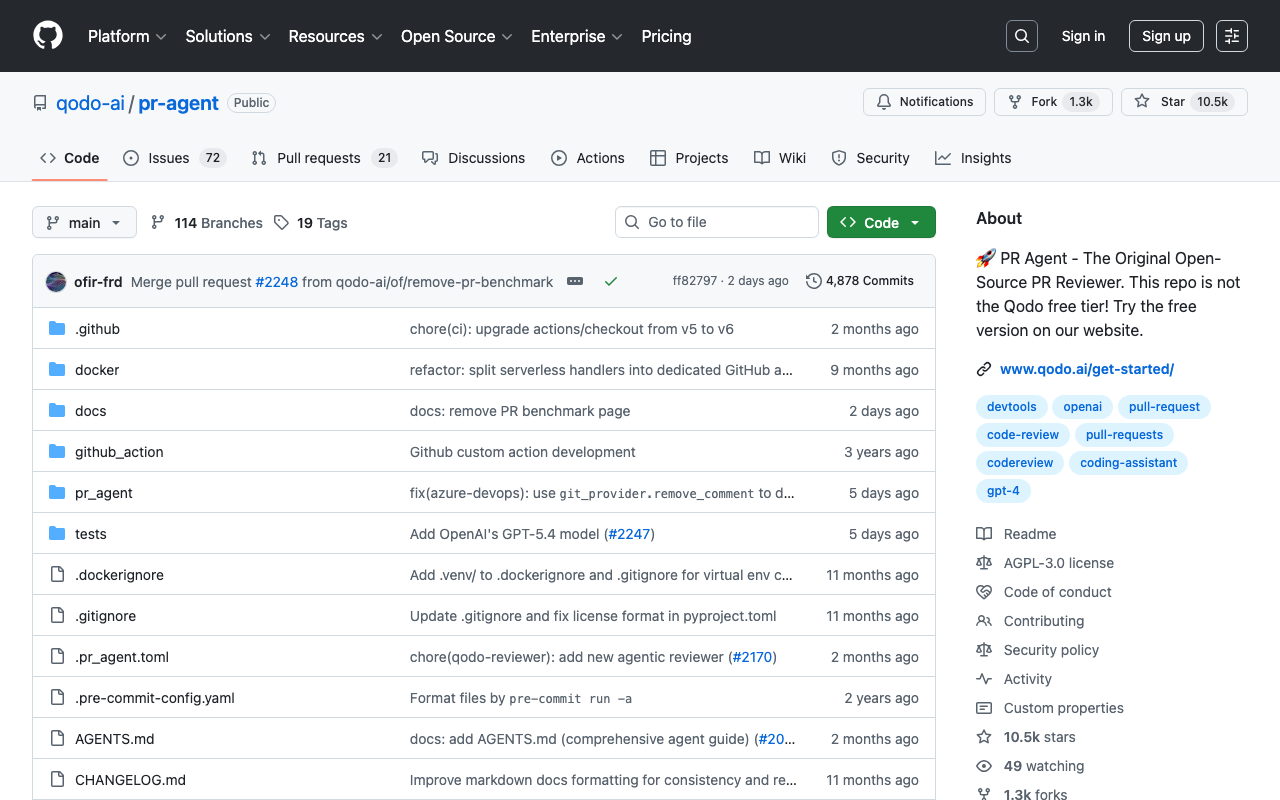
PR-Agent is an open-source AI code review tool by Qodo (formerly CodiumAI) that you can self-host with your own LLM API keys. The hosted version is marketed as Qodo Merge. This is the tool to choose if you need full control over data handling and want to avoid sending code to third-party services.
Key features. PR-Agent generates PR descriptions, reviews code changes, suggests improvements, answers questions about the code, and updates changelogs. It supports interaction via PR comments — you can ask it to re-review specific files, explain a code change, or generate tests. The self-hosted version runs as a GitHub Action, GitLab webhook, or Bitbucket pipeline and works with OpenAI, Anthropic, or local LLM endpoints.
What it catches. The tool identifies bugs, performance issues, security concerns, and code quality problems. Review quality depends heavily on the underlying LLM — using GPT-4 or Claude yields significantly better results than smaller models. The open-source version does not include Qodo’s proprietary fine-tuning, so the hosted Qodo Merge version generally provides higher quality output.
Pricing. The open-source version is free with no restrictions — you pay only for LLM API usage (typically $5-15/month per developer at moderate volume). Qodo Merge (hosted) starts at $30/user/month. Enterprise pricing is available.
Best for: Teams with strict data sovereignty requirements, open-source projects, and organizations that want to customize their AI review pipeline. The best “bring your own LLM” option.
5. Sourcery — Python-focused AI review
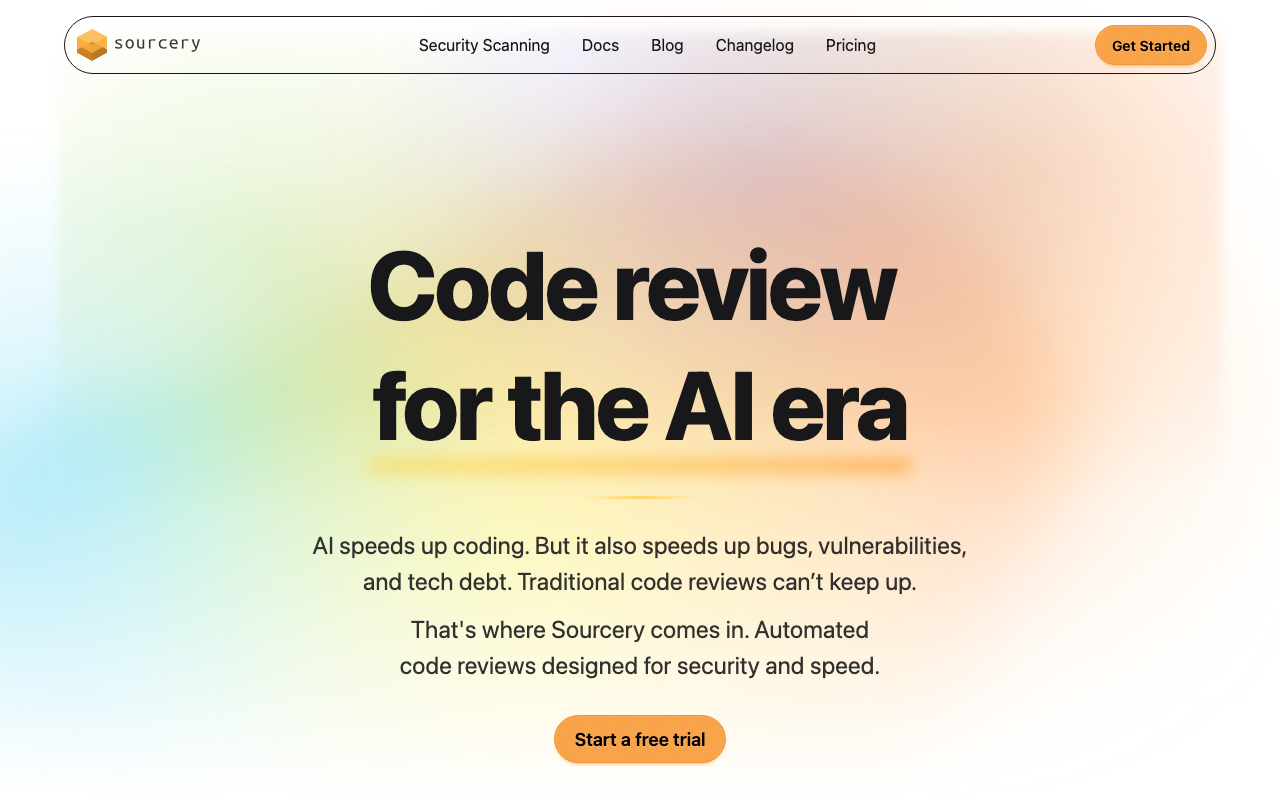
Sourcery specializes in AI-powered code quality for Python, with expanding support for JavaScript, TypeScript, and Go. It focuses specifically on refactoring suggestions — identifying code that works but could be cleaner, more readable, or more performant.
Key features. Sourcery analyzes pull requests and leaves inline suggestions for refactoring improvements. It detects duplicate code, overly complex functions, unnecessary nesting, and Pythonic anti-patterns. The tool also provides an IDE extension for real-time feedback in VS Code and JetBrains IDEs. Its rule system includes pre-built patterns for common Python frameworks including Django, Flask, and FastAPI.
What it catches. Sourcery excels at identifying code that could be simplified — list comprehensions instead of loops, early returns instead of deep nesting, generator expressions instead of intermediate lists. It also catches some bugs and security issues, but it is primarily a code quality tool rather than a bug finder.
Pricing. Free for open-source projects. Pro plan at $10/user/month. Team plan at $29/user/month adds organization-level configuration and priority support.
Best for: Python-heavy teams that want AI-driven refactoring suggestions. The $10/month price point makes it the most affordable paid AI review option. Teams working primarily in other languages should look elsewhere.
6. Qodo — AI test generation plus review
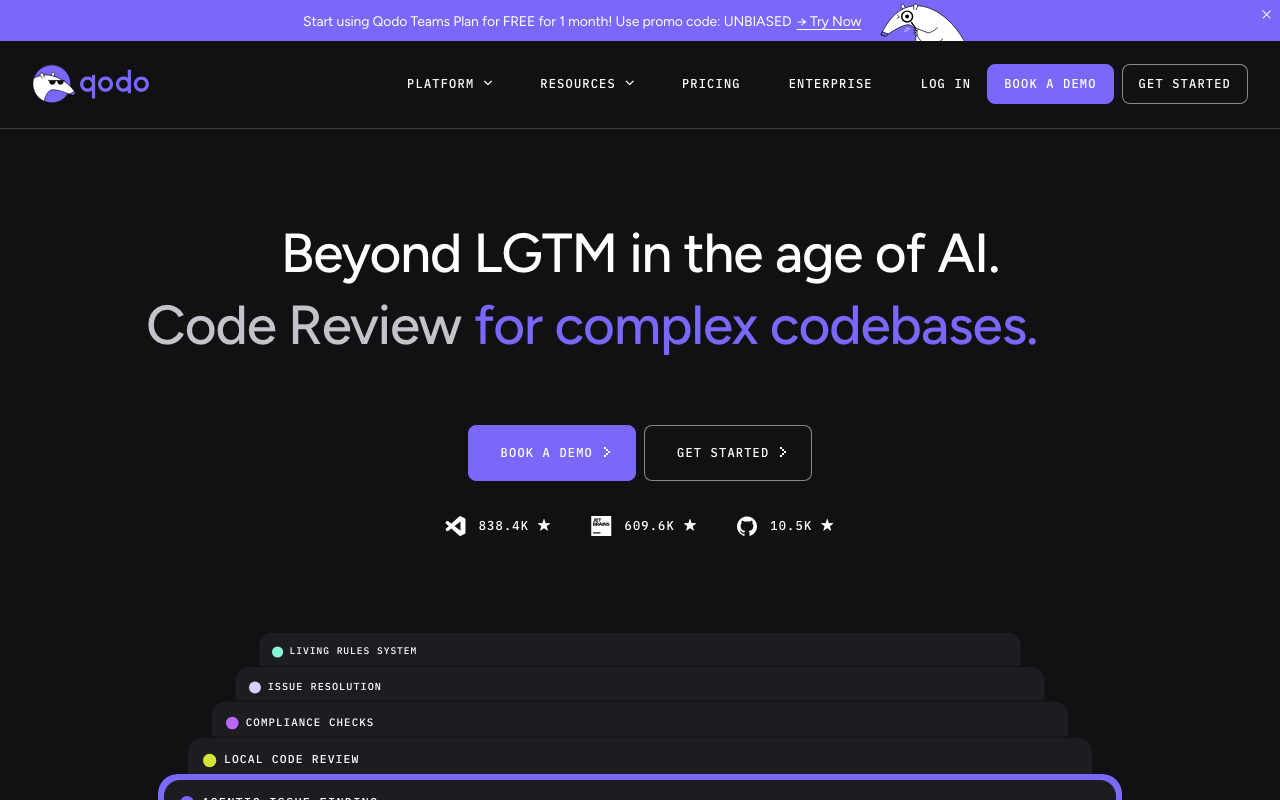
Qodo (formerly CodiumAI) combines AI code review with AI-powered test generation, which is a unique combination in this space. The core idea is that generating tests for a code change helps validate that the change is correct and reveals edge cases the developer may not have considered.
Key features. Qodo reviews pull requests, generates test suggestions for changed code, and provides a “test plan” for each PR describing what should be tested and why. The IDE extension generates unit tests directly in VS Code and JetBrains IDEs. It supports 10+ languages with the strongest coverage in Python, JavaScript, TypeScript, Java, and Go.
What it catches. By generating tests, Qodo surfaces edge cases and boundary conditions that the developer may have missed. The review component identifies bugs, missing validation, and error handling gaps. The test generation quality varies by language — Python and TypeScript tests are generally production-ready, while generated tests for other languages may require more editing.
Pricing. Free tier available with limited interactions. Individual plan at $19/user/month. Teams plan at $30/user/month. Enterprise pricing is custom.
Best for: Teams that want to improve test coverage alongside code review. Particularly valuable for teams adopting test-driven development or trying to increase coverage on legacy codebases.
7. Amazon Q Developer — AWS-integrated AI review
Amazon Q Developer is AWS’s AI-powered development assistant that includes code review capabilities. It is tightly integrated with the AWS ecosystem and provides security scanning alongside general code review.
Key features. Amazon Q Developer reviews code in pull requests and IDE environments, identifies security vulnerabilities, suggests remediation, and includes specialized detection for AWS-specific security issues (IAM misconfigurations, S3 bucket policies, Lambda security). The tool integrates with GitHub and GitLab and is available as an IDE extension for VS Code and JetBrains. It also includes code transformation capabilities for language migrations (such as Java 8 to Java 17).
What it catches. The tool identifies general code quality issues, security vulnerabilities, and AWS-specific misconfigurations. The security scanning component is powered by Amazon’s static analysis engine, which has deep rules for Java, Python, JavaScript, TypeScript, and C#. It is particularly strong at identifying issues in AWS SDK usage and infrastructure code.
Pricing. The free tier includes limited monthly interactions. The Pro plan at $19/user/month includes unlimited interactions and full security scanning. Enterprise pricing is available through AWS contracts.
Best for: Teams building on AWS that want an AI assistant integrated with their cloud provider. The AWS-specific security scanning is unique in this list.
8. Greptile — codebase-aware AI review
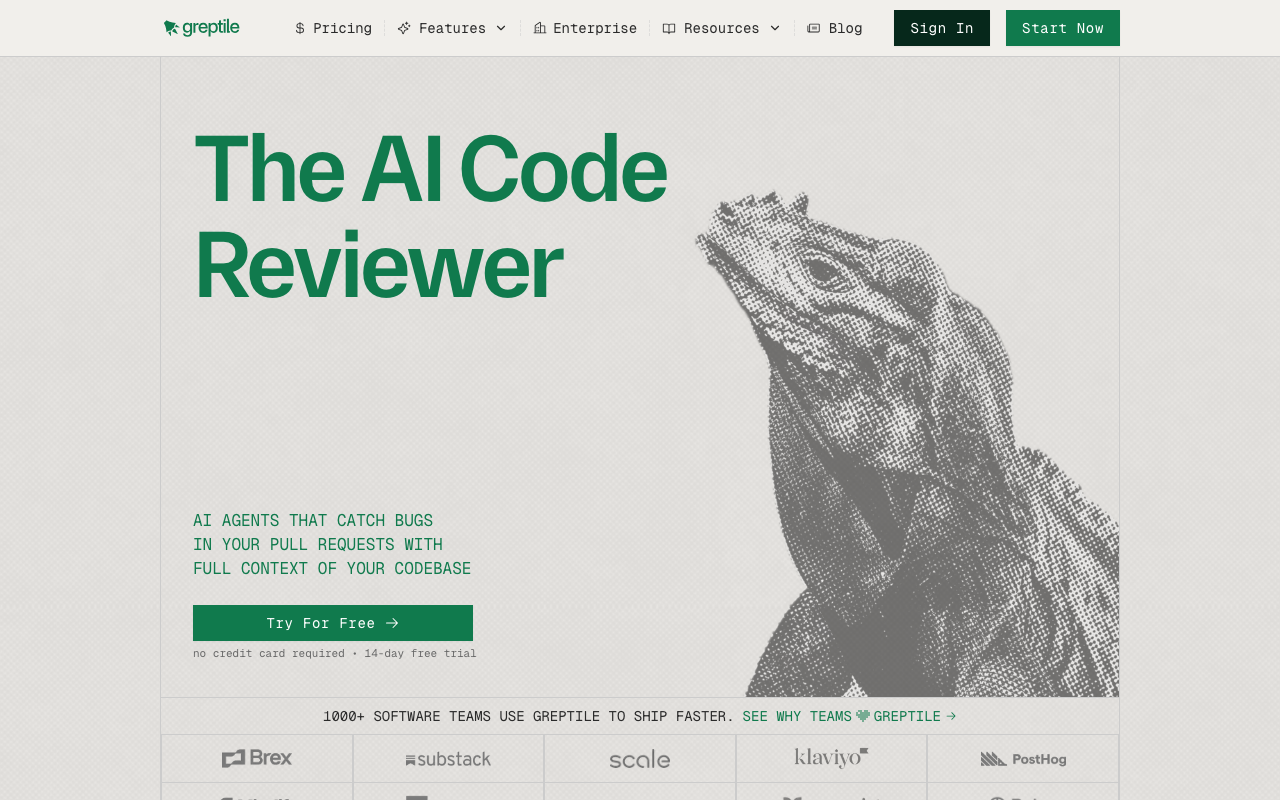
Greptile takes a fundamentally different approach to AI code review by indexing your entire codebase before reviewing any pull request. This gives it cross-repository context that other AI reviewers lack, enabling it to catch bugs that require understanding how multiple components interact.
Key features. Greptile builds a semantic map of your entire repository, enabling it to detect issues spanning multiple files and packages. It learns your team’s coding conventions and flags deviations. The tool also provides a natural language Q&A interface where you can ask questions about your codebase in Slack, your IDE, or via API. Review comments reference related code elsewhere in the repository, providing context that other tools cannot.
What it catches. Greptile excels at catching cross-file bugs — a refactored function signature that breaks callers in other packages, a deprecated API usage that only shows up in context, or a convention violation that is only visible when compared against the rest of the codebase. It is less effective at single-file issues where simpler tools perform equally well.
Pricing. No free tier. Pricing starts at $30/dev/month. Enterprise pricing is custom.
Best for: Teams with large, interconnected codebases where cross-file and cross-package bugs are a real problem. Particularly strong for monorepos and teams doing frequent refactoring. The lack of a free tier is a barrier for smaller teams.
Static analysis platforms
Static analysis platforms scan code against predefined rule sets to detect bugs, code smells, security vulnerabilities, and maintainability issues. Unlike AI reviewers, they produce deterministic results — the same code always triggers the same findings. These tools form the backbone of most enterprise code quality programs.
9. SonarQube — the enterprise standard
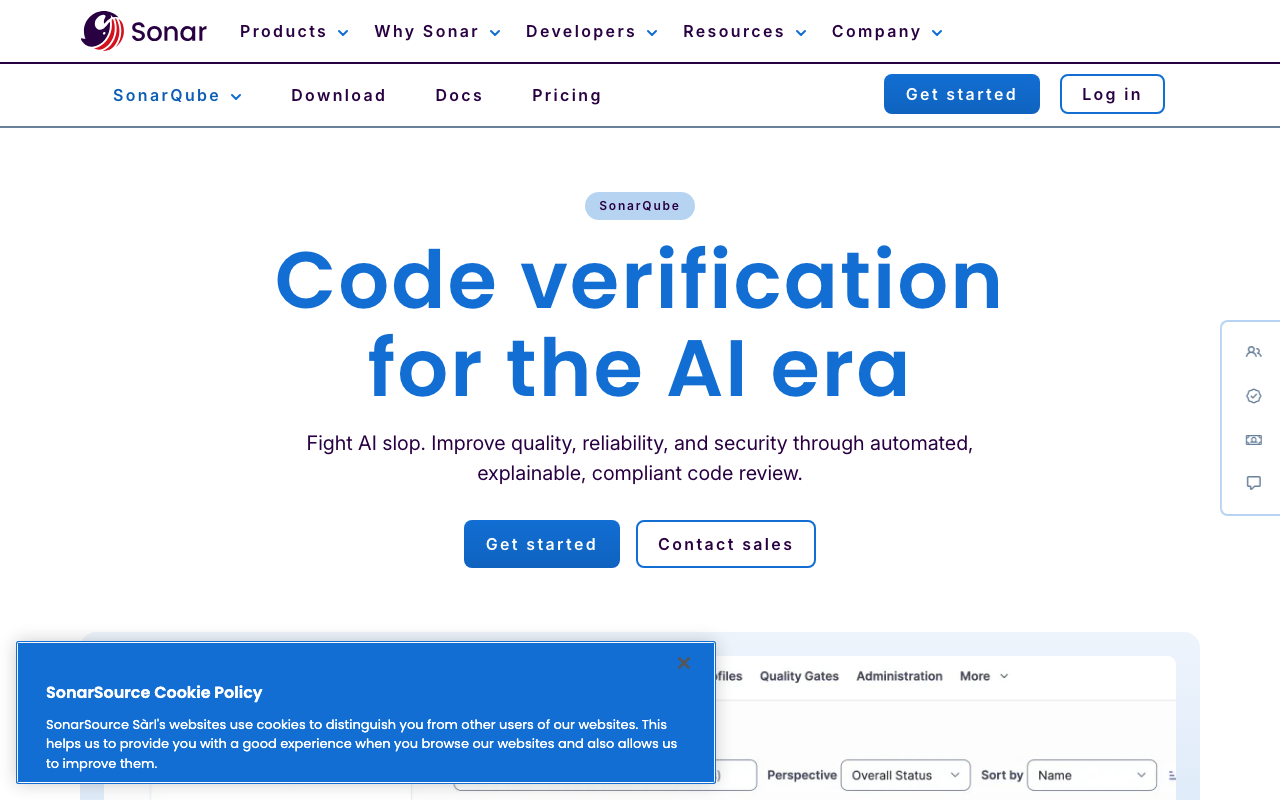
SonarQube is the most widely deployed static analysis platform in the world, with 6,500+ rules across 35+ languages. It is the industry standard for quality gates — pass/fail criteria that block pull request merges when code does not meet defined thresholds.
Key features. SonarQube provides quality gate enforcement (block merges that fail coverage, duplication, or severity thresholds), compliance reporting mapped to OWASP Top 10, CWE, SANS Top 25, and PCI DSS, technical debt tracking that quantifies remediation effort over time, and an AI CodeFix feature that generates ML-powered fix suggestions. The rule library covers bugs, vulnerabilities, code smells, and hotspots across 35+ languages with especially deep coverage for Java, C#, Python, and JavaScript.
What it catches. SonarQube excels at breadth. Beyond security vulnerabilities, it identifies complexity hotspots, code duplication, test coverage gaps, and maintainability issues that accumulate into technical debt. No other tool provides as comprehensive a view of overall code health.
Pricing. The Community Build is free and open source but lacks branch analysis and PR decoration. SonarQube Cloud starts at approximately $150/year for small projects (LOC-based pricing). Self-hosted Developer Edition starts at approximately $2,500/year. Enterprise Edition starts at $20,000+/year.
Best for: Enterprise teams that need quality gate enforcement, compliance reporting, and long-term technical debt tracking. The industry standard for regulated industries.
10. Codacy — multi-tool aggregation
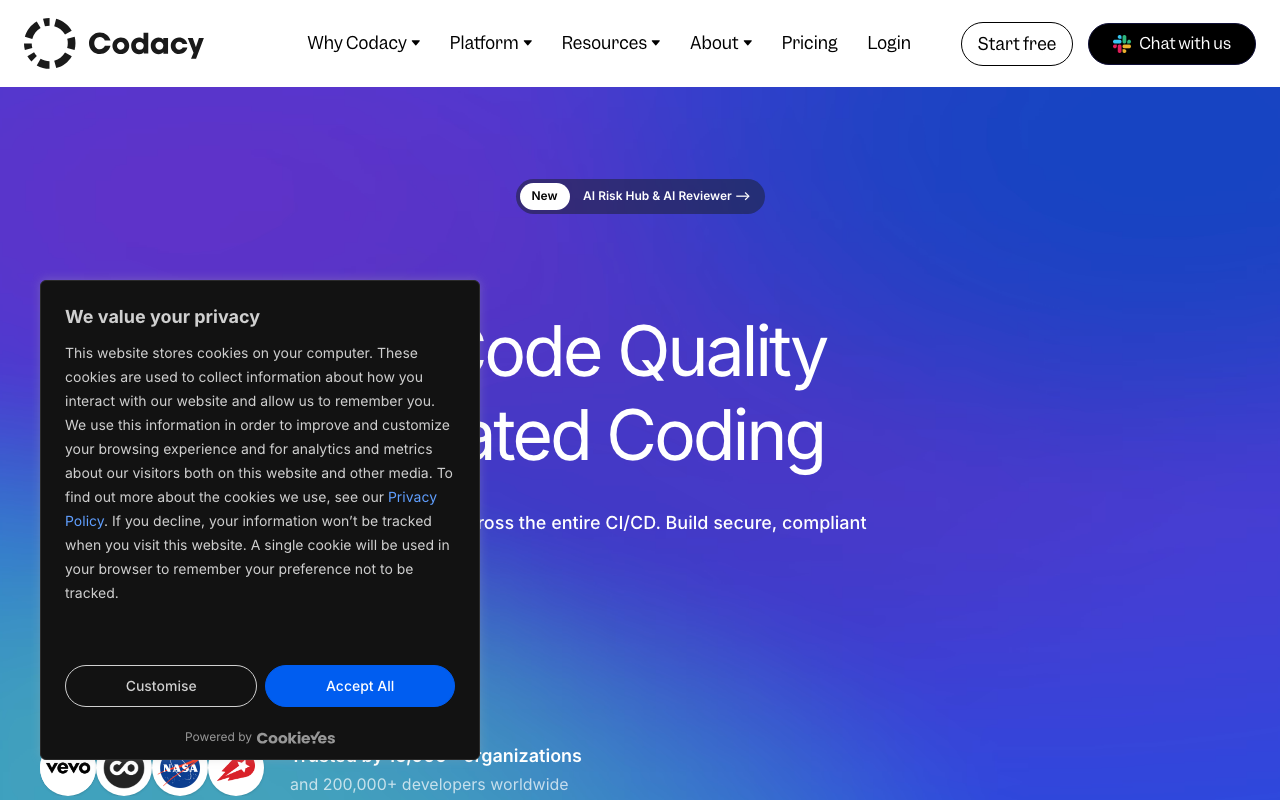
Codacy aggregates multiple analysis engines (including Semgrep, PMD, ESLint, and others) into a single platform with a unified dashboard. It bundles code quality analysis, security scanning (SAST, SCA, DAST, secrets detection), coverage tracking, and AI-powered review for 49 languages — the widest language coverage of any platform on this list.
Key features. Codacy runs multiple analysis engines under the hood and presents findings in a unified interface. It includes SAST, SCA, and optionally DAST security scanning. Coverage tracking integrates with existing test reporters. The AI Guardrails IDE extension scans AI-generated code in real time in VS Code, Cursor, and Windsurf. Setup requires zero pipeline configuration — connect your repository and scanning starts in minutes.
What it catches. By aggregating multiple engines, Codacy catches a wide range of issues across code quality, security, and style. Depth for any single language is not as strong as a dedicated tool like SonarQube or Checkmarx, but the breadth of coverage across 49 languages is unmatched.
Pricing. Free tier for up to 5 repositories. Pro plan at $15/user/month. Business plan with self-hosted options at approximately $37.50/user/month.
Best for: Small to mid-size teams (5-50 developers) that want code quality, security, and coverage in one subscription without managing multiple tools.
11. DeepSource — autofix platform with lowest false positives
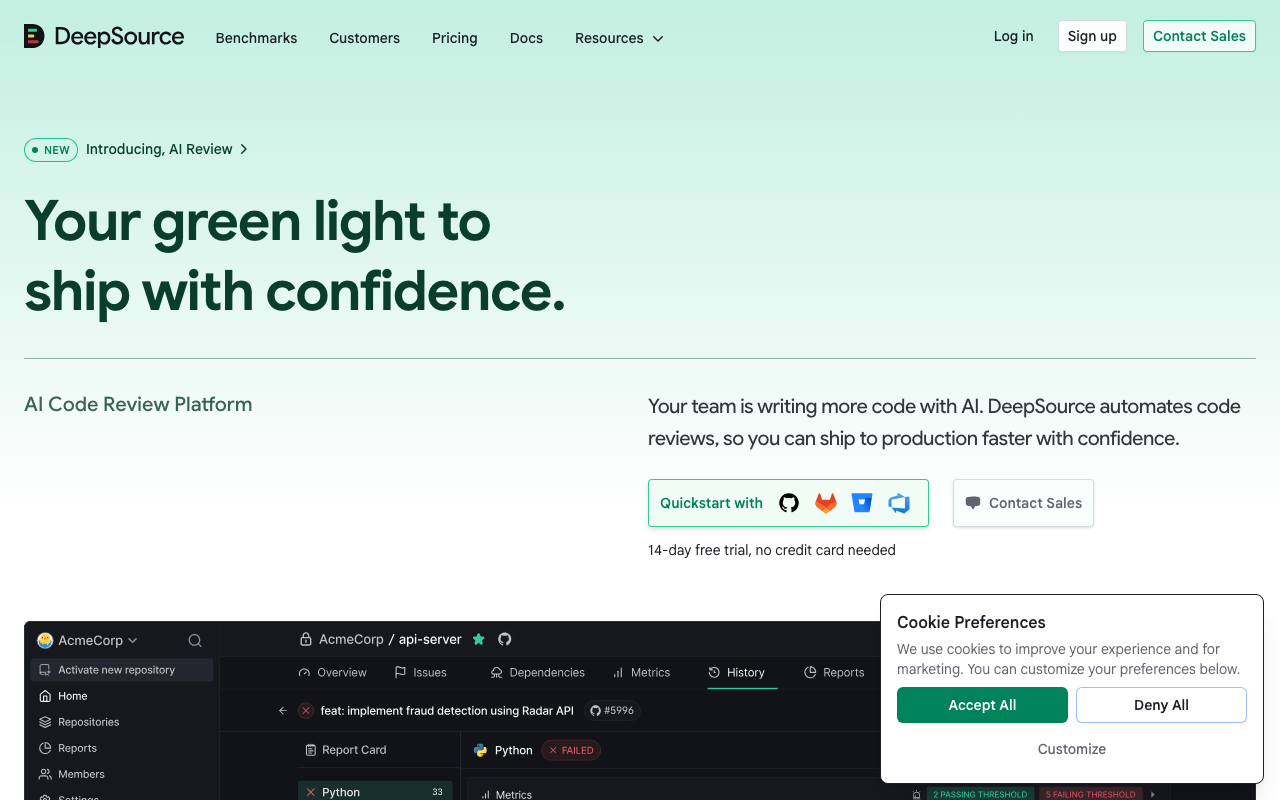
DeepSource optimized for precision over volume. Instead of maximizing the number of findings, it reports a sub-5% false positive rate — the lowest of any tool in this list. When DeepSource flags something, developers trust that it is a real issue.
Key features. The AI Autofix feature generates fix pull requests for detected issues automatically, transforming the workflow from “review findings and write fixes” to “review and merge fix PRs.” DeepSource supports 16 languages with particularly strong coverage for Python, JavaScript, Go, and Java. The dashboard tracks code quality metrics over time with clean visualizations.
What it catches. DeepSource identifies bugs, anti-patterns, security vulnerabilities, and performance issues. Detection volume is lower than tools like SonarQube or Codacy, but every finding is high-signal. The Autofix feature generates correct, mergeable patches for roughly 70% of detected issues.
Pricing. Free for individual developers. Team plan at $24/user/month. Enterprise pricing is custom.
Best for: Teams where developer trust in automated findings is the primary concern. If your current tools produce so many false positives that developers ignore them, DeepSource’s precision-first approach restores confidence in automated review.
12. CodeClimate — maintainability metrics
CodeClimate was one of the earliest automated code quality platforms and remains popular for its maintainability ratings and test coverage tracking. It assigns letter grades (A through F) to files based on complexity, duplication, and code smells.
Key features. CodeClimate generates a maintainability score for every file and tracks it over time. It calculates cognitive complexity, identifies duplicate code blocks, and integrates with test coverage reporters to display coverage percentages on pull requests. The platform supports GitHub, GitLab, and Bitbucket. Its Velocity product (separate from Quality) provides engineering metrics similar to DORA.
What it catches. CodeClimate focuses on maintainability rather than security or correctness. It identifies overly complex methods, large classes, duplicate code blocks, and files with low test coverage. It does not perform security scanning, bug detection, or AI-powered review.
Pricing. Free for open-source projects. Paid plans start at $49/month for private repositories, billed by repository count rather than by seat.
Best for: Teams that want simple, visual maintainability tracking with letter grades and trend lines. Less comprehensive than SonarQube or Codacy but simpler to set up and understand.
13. Qlty — modern code quality
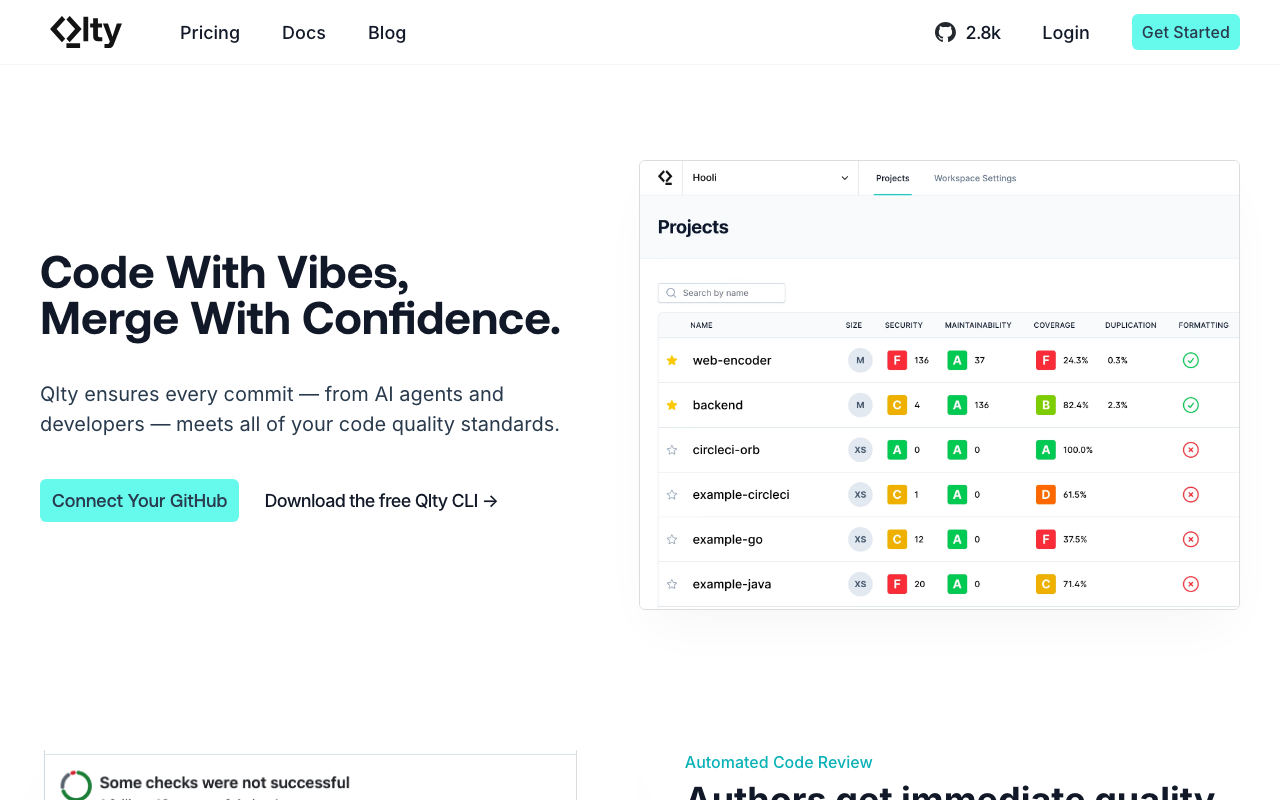
Qlty is a newer code quality platform that orchestrates 30+ linters and analysis tools through a single configuration. It positions itself as a modern alternative to CodeClimate with faster performance and broader tool integration.
Key features. Qlty runs multiple linters in parallel with a single command, deduplicates findings from overlapping tools, and presents results in a unified dashboard. It supports 30+ languages through its linter orchestration layer. The CLI tool runs locally and in CI with sub-minute scan times. The platform includes code quality metrics, coverage tracking, and duplication detection.
What it catches. By orchestrating multiple linters, Qlty catches style violations, bugs, complexity issues, and some security patterns across a wide range of languages. The quality of detection depends on which underlying linters are configured for each language.
Pricing. Free for public repositories. Pro plan at $32/user/month. Enterprise pricing is custom.
Best for: Teams that want to run multiple linters without the configuration overhead of managing each one individually. A good choice for polyglot codebases where you need different linters for different languages.
14. Coverity — C/C++ defect detection
Coverity (now part of Black Duck by Synopsys) provides the deepest interprocedural static analysis available, particularly for C, C++, and safety-critical embedded systems. Its path-sensitive analysis understands pointer arithmetic, memory aliasing, and thread synchronization in ways that pattern-matching tools cannot.
Key features. Coverity performs deep interprocedural analysis across entire codebases, catching buffer overflows, use-after-free bugs, double-free vulnerabilities, integer overflows, race conditions, and resource leaks. It includes built-in compliance checking for MISRA C, MISRA C++, CERT C/C++, ISO 26262, and AUTOSAR C++. The false positive rate is approximately 8% — the lowest of any enterprise static analysis tool.
What it catches. Coverity excels at finding bugs that require understanding execution paths across many function calls. It routinely catches vulnerabilities spanning 5-6 function boundaries that no other tool detects. It also supports Java, C#, and JavaScript, but its C/C++ analysis is where it has no peer.
Pricing. Enterprise contracts only. Typically $50,000-100,000+/year. Coverity Scan offers free scanning for open-source projects.
Best for: C/C++ teams in embedded systems, automotive, aerospace, firmware, and safety-critical applications. Not the right choice for web application teams or organizations needing fast PR-level feedback.
Security scanners (SAST)
Static Application Security Testing (SAST) tools specialize in finding security vulnerabilities in source code. They use pattern matching, taint analysis, and dataflow tracking to identify injection flaws, hardcoded credentials, insecure data flows, and other vulnerability categories. Unlike general-purpose static analysis, SAST tools focus exclusively on security.
15. Semgrep — rule-based, 25+ languages
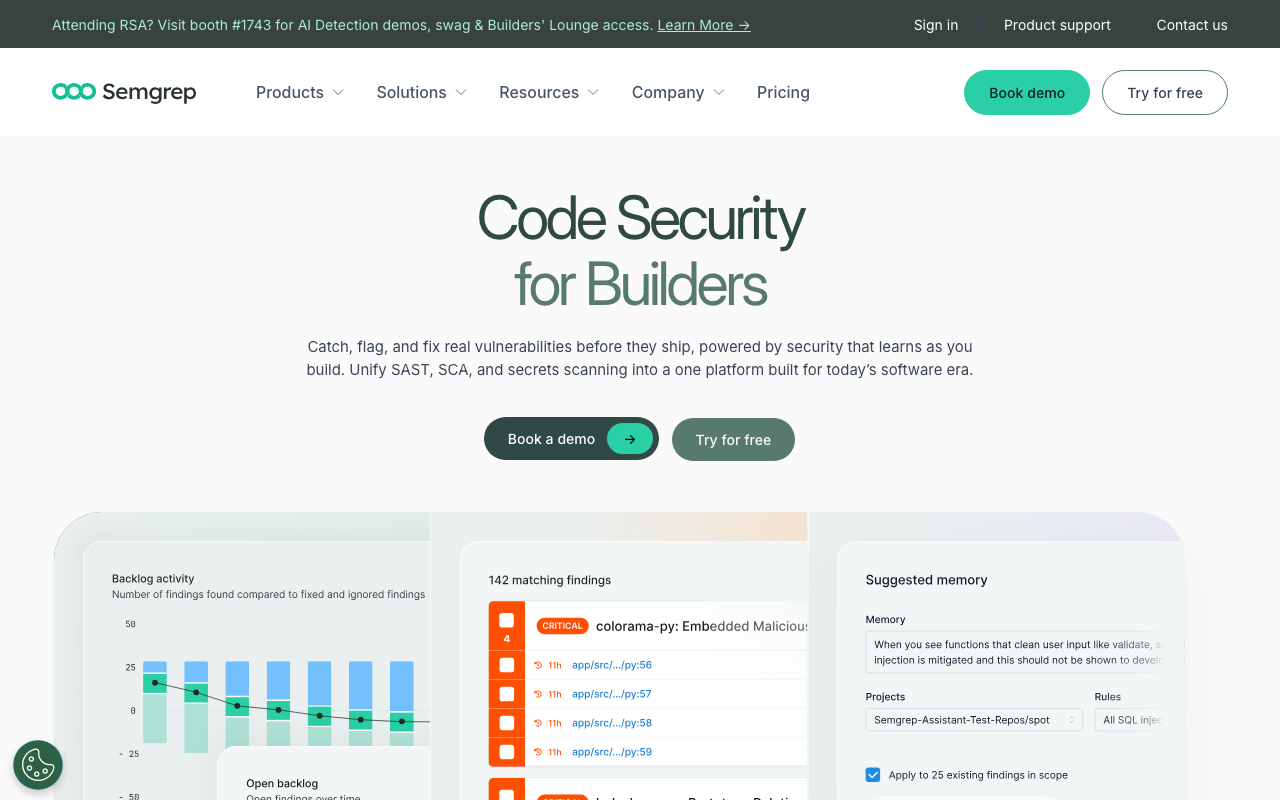
Semgrep has become the default SAST tool for modern development teams. It is fast (full scans complete in 8-15 seconds), the rule syntax mirrors the target language making custom rules easy to write, and the free tier is generous enough for most small teams.
Key features. Semgrep’s rule syntax lets you write security patterns that look like the code they match, making custom rules writable in minutes rather than hours. The community registry includes 3,000+ rules across 30+ languages. The paid Pro engine adds cross-file taint analysis that detects 50-75% more vulnerabilities than the OSS single-file engine. Semgrep Assistant provides AI-powered triage that cuts false positives by 40-60%.
What it catches. Semgrep identifies injection vulnerabilities (SQL, XSS, SSRF, command injection), hardcoded secrets, insecure cryptography, dangerous function usage, and framework-specific security patterns for Django, Flask, Express, React, Spring Boot, and more. The Pro engine traces tainted data flows across file boundaries.
Pricing. The OSS CLI is free for commercial use (LGPL-2.1). The full platform is free for up to 10 contributors. Team tier is $35/contributor/month. Enterprise is custom.
Best for: Development teams that want fast, customizable security scanning. Semgrep is the backbone of many other security platforms — Aikido, GitLab Advanced SAST, and others use Semgrep under the hood.
16. Snyk Code — AI plus dataflow analysis
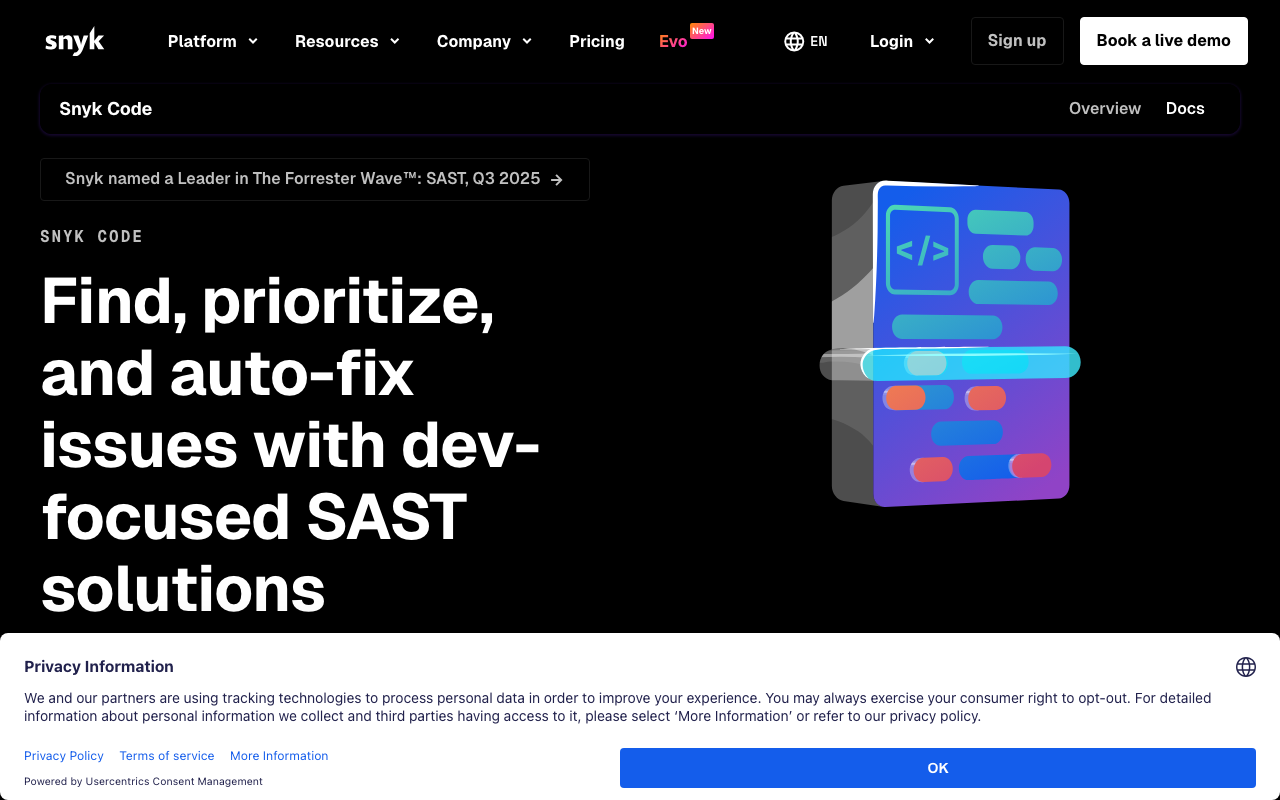
Snyk Code is the SAST component of the Snyk platform, powered by the DeepCode AI engine. It provides real-time security scanning in the IDE — vulnerabilities appear as you type, not hours later in a CI report.
Key features. The DeepCode AI engine performs interfile dataflow analysis that traces vulnerability paths across multiple function calls and files. Each finding includes a data flow visualization showing the exact path from tainted source to dangerous sink. AI-powered fix suggestions are trained on human-curated fix patterns. The broader Snyk platform bundles SCA, container scanning, IaC security, and cloud security posture management.
What it catches. Snyk Code catches injection vulnerabilities, prototype pollution, insecure deserialization, TOCTOU (time-of-check-time-of-use) bugs, and complex cross-file vulnerability paths. In testing, it traced a prototype pollution vulnerability through three intermediate functions in an Express.js application.
Pricing. Free tier for 1 user with limited scans. Team plan at $25/dev/month. Enterprise pricing scales to $67K-90K+/year for 100-developer teams.
Best for: Security-conscious development teams that prioritize developer experience. If getting developers to actually read and act on SAST findings is your biggest challenge, Snyk Code’s IDE integration and data flow visualizations solve that problem better than any other tool.
17. Checkmarx — enterprise SAST leader
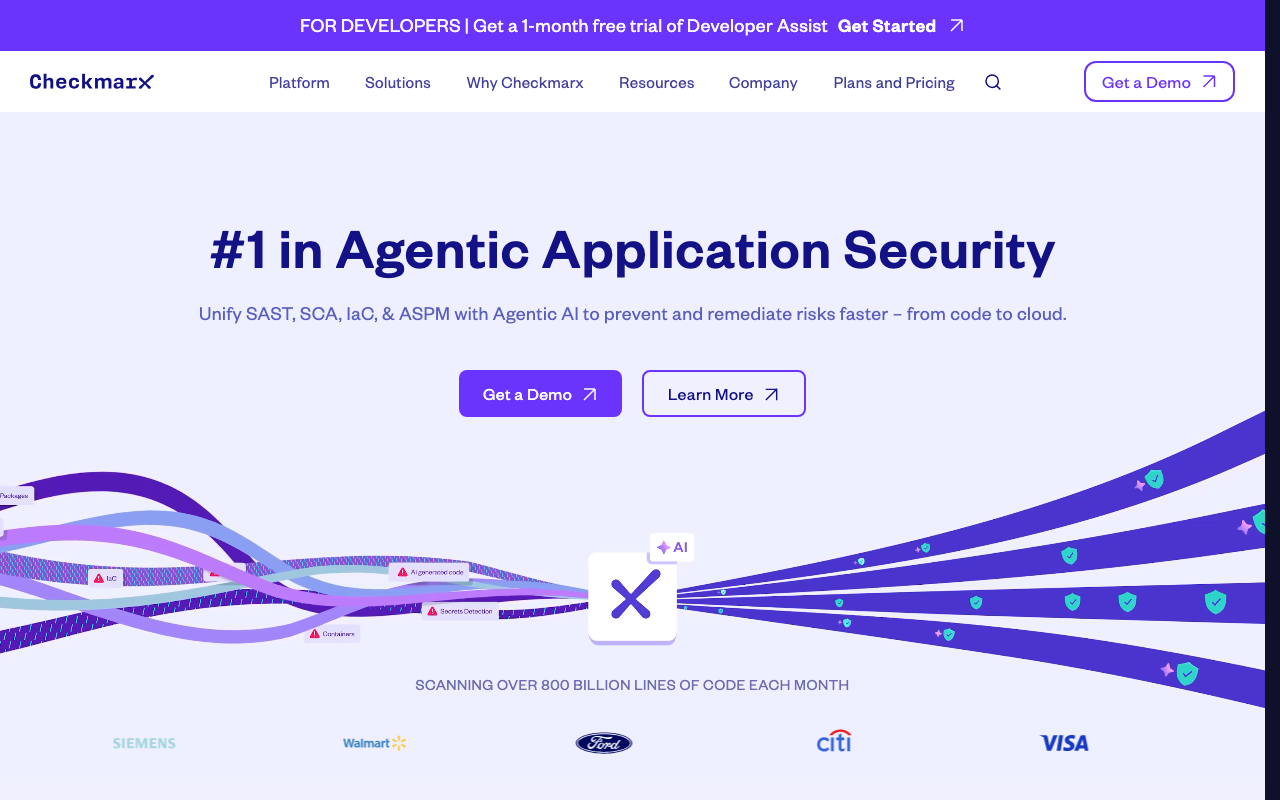
Checkmarx One is a Gartner Magic Quadrant Leader for Application Security Testing with the deepest taint analysis available. It traces vulnerability paths across function boundaries, files, and modules with precision that no other tool matches.
Key features. Checkmarx provides the most thorough taint analysis engine, tracing injection paths across 4+ function boundaries and 3+ files. The CxQL query language allows custom vulnerability pattern definitions. Compliance reporting generates audit-ready reports mapping findings to OWASP Top 10, CWE, PCI DSS, HIPAA, SOC 2, and NIST frameworks. The platform includes SAST, SCA, DAST, API security, and IaC scanning.
What it catches. Checkmarx excels at complex, multi-hop injection vulnerabilities that simpler tools miss entirely. It detects second-order SQL injection (user input stored then later used unsafely), cross-module taint flows, and framework-specific vulnerability patterns across 35+ languages.
Pricing. Enterprise contracts only. Typical ranges are $40,000-150,000+/year depending on developer count, languages, and modules. No self-service pricing.
Best for: Large enterprises in finance, healthcare, government, and regulated industries that need comprehensive compliance reporting and the deepest possible taint analysis.
18. Veracode — cloud SAST plus SCA

Veracode takes a unique approach: it scans compiled binaries rather than source code, enabling analysis of third-party components you do not have source access to. The Pipeline Scan provides fast feedback in CI, while the full scan provides deep analysis.
Key features. Binary analysis scans compiled code (JARs, .NET assemblies, C/C++ binaries) without source code access. The Pipeline Scan completes in 60-90 seconds for CI integration. The compliance engine includes policy templates for PCI DSS, OWASP Top 10, and CWE/SANS Top 25. Veracode Fix generates AI-powered remediation suggestions. The platform bundles SAST, SCA, DAST, and container scanning.
What it catches. Veracode detects injection vulnerabilities, buffer overflows, format string bugs, and cross-module injection paths in compiled bytecode. Its binary analysis catches vulnerabilities that only manifest after compiler optimizations, which source-level tools miss.
Pricing. Starts at approximately $15,000/year for smaller teams. Enterprise contracts typically range from $50,000-200,000+/year.
Best for: Enterprises that need to scan third-party binaries, organizations with strict compliance requirements, and Java/.NET shops that prefer a binary analysis approach.
19. CodeQL — GitHub’s query language for security
CodeQL is GitHub’s semantic code analysis engine. Instead of writing pattern-matching rules, you write SQL-like queries against a database representation of your code, enabling extremely precise vulnerability detection.
Key features. CodeQL compiles source code into a relational database and lets you query it with a SQL-like language. This enables vulnerability research at a depth that pattern-matching tools cannot achieve. GitHub’s security team maintains a library of pre-written queries covering OWASP Top 10 categories. Code scanning results appear directly in GitHub’s Security tab. The tool supports C/C++, C#, Go, Java, JavaScript, TypeScript, Python, Ruby, and Swift.
What it catches. CodeQL can express virtually any security pattern that involves dataflow, control flow, or type relationships. The pre-built query packs cover injection, XSS, deserialization, path traversal, and more. Custom queries can detect organization-specific vulnerability patterns.
Pricing. Free for public repositories on GitHub. Private repository scanning requires GitHub Advanced Security at $49/committer/month.
Best for: Security researchers and organizations that want to define custom vulnerability patterns with precision. The query language has a learning curve, but it enables analysis depth that rule-based tools cannot match.
20. Fortify — enterprise security for legacy languages
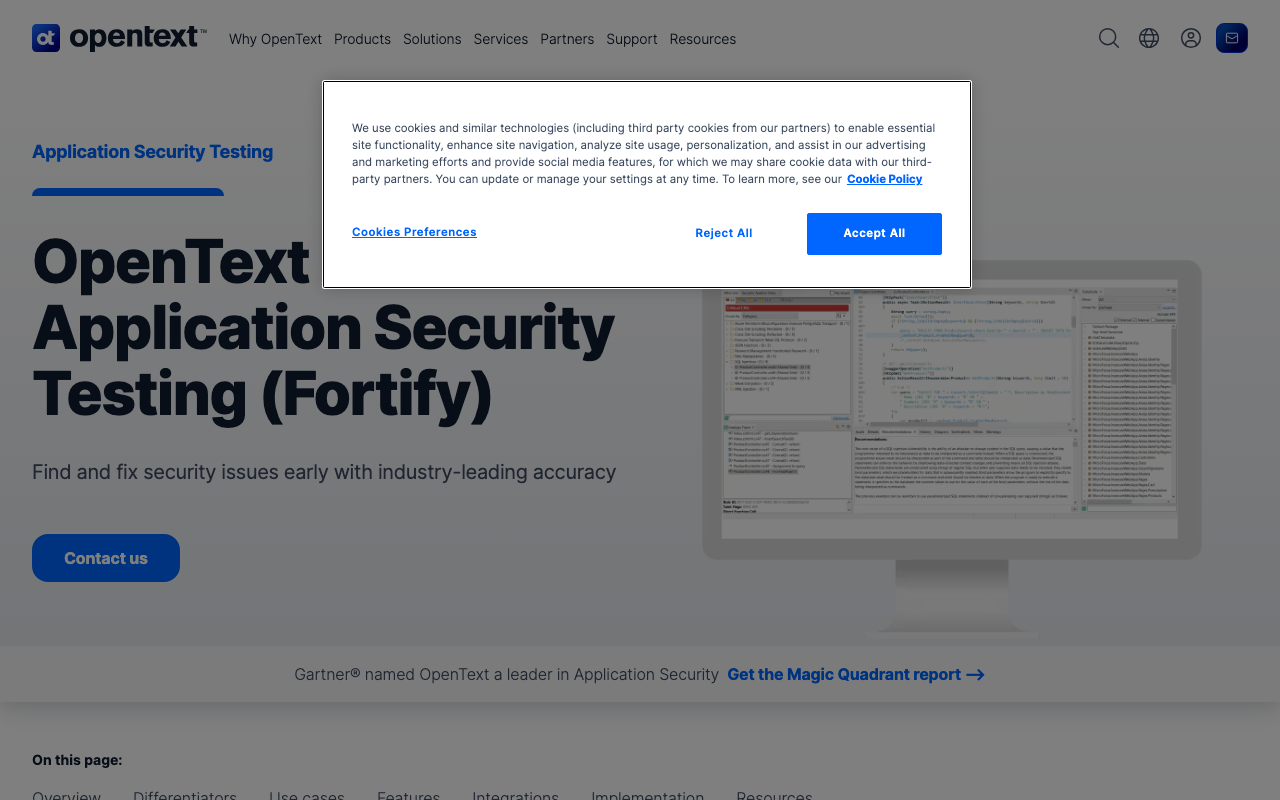
Fortify (OpenText) has been a Gartner Magic Quadrant Leader for Application Security Testing for 11 consecutive years. Its primary strength is language breadth — it supports COBOL, ABAP, PL/SQL, VB6, and other legacy languages that no other SAST tool covers.
Key features. Fortify supports 33+ languages including legacy enterprise languages. The on-premise deployment model supports air-gapped environments for defense contractors and classified government systems. The taint analysis for enterprise Java stacks (Spring, Struts, Hibernate, Jakarta EE) has been refined over more than a decade. Fortify on Demand provides a SaaS option for teams that do not want to self-host.
What it catches. Fortify identifies injection vulnerabilities (SQL, LDAP, XPath, command injection), insecure cryptography, hardcoded credentials, and framework-specific vulnerability patterns. Its Java enterprise analysis is particularly thorough, catching every injection variant across complex Spring Boot request handling chains.
Pricing. Enterprise contracts only. Typically $40,000-80,000+/year. Fortify on Demand pricing scales with scan volume.
Best for: Large enterprises with legacy language requirements (COBOL, ABAP, PL/SQL), organizations requiring air-gapped on-premise deployment, and companies in the OpenText/Micro Focus ecosystem.
Language-specific linters
Linters are the most fundamental form of automated code review. They analyze code for style violations, potential bugs, and anti-patterns using rules specific to a single language. Every production codebase should run at least one linter. The tools in this category are all free and open source.
21. ESLint — JavaScript and TypeScript
ESLint is the standard linter for JavaScript and TypeScript, used by millions of projects. It provides a pluggable rule system with hundreds of built-in rules and thousands more available through community plugins.
Key features. ESLint’s flat configuration system (introduced in v9) simplifies setup with a single eslint.config.js file. The plugin ecosystem is massive — eslint-plugin-react, eslint-plugin-security, typescript-eslint, and hundreds of others extend detection. Auto-fix resolves many issues automatically. The --fix flag can be run in CI to enforce corrections or locally for developer convenience.
What it catches. ESLint detects unused variables, unreachable code, missing await on promises, type-unsafe comparisons, React hook rule violations, accessibility issues (with plugins), and potential security flaws (with eslint-plugin-security). It enforces consistent code style across teams.
Pricing. Free and open source (MIT license).
Best for: Every JavaScript and TypeScript project. ESLint is non-negotiable for JS/TS codebases. The only question is whether to use it alongside or instead of newer alternatives like Biome or oxlint.
22. Biome — JS/TS linter and formatter (Rust-based)
Biome is a Rust-based toolchain that combines linting and formatting for JavaScript, TypeScript, JSON, and CSS in a single tool. It is dramatically faster than ESLint plus Prettier because it processes files in a single pass with a compiled binary.
Key features. Biome runs linting and formatting in one pass with sub-second performance on large codebases. It includes 300+ lint rules with strong coverage of correctness, performance, and accessibility patterns. The formatter produces output compatible with Prettier for easy migration. Configuration uses a single biome.json file. No plugins needed for core functionality — most common rules are built in.
What it catches. Biome identifies correctness issues (unused variables, dead code), performance anti-patterns, accessibility violations in JSX, suspicious code patterns, and style inconsistencies. Its rule set is curated rather than community-driven, which means fewer total rules but higher average quality per rule.
Pricing. Free and open source (MIT license).
Best for: Teams that want a single fast tool to replace both ESLint and Prettier. Particularly attractive for large codebases where ESLint performance is a bottleneck.
23. Pylint — Python linter
Pylint is the most comprehensive Python linter, checking for errors, coding standards, code smells, and some refactoring suggestions. It produces a code rating out of 10 for every file.
Key features. Pylint performs type inference to catch bugs that lighter tools miss. It checks conformance to PEP 8 coding style, identifies duplicate code, detects missing docstrings, and warns about overly complex functions. The message system is highly configurable — you can enable or disable individual checks, set thresholds, and define custom plugins. Integration with pre-commit hooks and CI pipelines is straightforward.
What it catches. Pylint detects undefined variables, unused imports, unreachable code, dangerous default arguments, bare exception handlers, and many other Python-specific anti-patterns. It catches some bugs through type inference that pure style checkers miss.
Pricing. Free and open source (GPL-2.0 license).
Best for: Python teams that want comprehensive analysis and are willing to spend time configuring the tool to reduce noise. Out of the box, Pylint is verbose — most teams disable a significant number of checks to match their preferences.
24. Ruff — Python linter and formatter (Rust-based)
Ruff is a Rust-based Python linter and formatter that is 10-100x faster than Pylint, Flake8, and Black combined. It has rapidly become the default Python linting tool due to its speed and broad rule compatibility.
Key features. Ruff implements 800+ lint rules including nearly all rules from Flake8, isort, pycodestyle, pyflakes, and many Pylint checks. It serves as both a linter and a formatter (replacing Black). Performance is extraordinary — it lints large Python monorepos in under a second. Configuration lives in pyproject.toml alongside other Python tooling. Auto-fix support covers a majority of fixable rules.
What it catches. Ruff detects style violations, unused imports, undefined names, type annotation issues, import ordering problems, and common Python anti-patterns. The rule library grows with every release as more rules from existing tools are ported.
Pricing. Free and open source (MIT license).
Best for: Every Python project. Ruff’s speed and compatibility with existing rule sets make it the clear default for Python linting in 2026. It replaces Flake8, isort, pycodestyle, and Black with a single tool.
25. RuboCop — Ruby linter
RuboCop is the standard linter and formatter for Ruby, enforcing the community Ruby Style Guide and providing extensive customization options.
Key features. RuboCop includes 400+ cops (rules) organized into departments: Style, Layout, Lint, Metrics, Naming, and Security. Auto-correction fixes many violations automatically. The tool integrates with Rails through rubocop-rails, with RSpec through rubocop-rspec, and with performance through rubocop-performance. Configuration via .rubocop.yml allows department-level and per-cop customization.
What it catches. RuboCop enforces consistent Ruby coding style, detects potential bugs (unused variables, ambiguous operators), identifies complexity hotspots, and flags basic security patterns. The Rails extension adds controllers, migrations, and ActiveRecord-specific checks.
Pricing. Free and open source (MIT license).
Best for: Every Ruby and Rails project. RuboCop is the standard Ruby linter with no serious competitors.
26. golangci-lint — Go linter aggregator
golangci-lint is a Go linters aggregator that runs 100+ linters in parallel with shared infrastructure. It is dramatically faster than running individual linters sequentially and is the standard way to lint Go code.
Key features. golangci-lint bundles and orchestrates 100+ Go linters including staticcheck, errcheck, gosimple, govet, revive, gosec, and many more. It shares parsed ASTs between linters for massive performance gains. Configuration uses .golangci.yml with per-linter settings, path exclusions, and severity levels. Integration with major editors and CI systems is well-documented.
What it catches. Through its bundled linters, golangci-lint catches bugs (nil pointer dereferences, unchecked errors), style violations (naming conventions, comment formatting), performance issues (unnecessary allocations, inefficient string operations), complexity problems, and security vulnerabilities (via gosec).
Pricing. Free and open source (GPL-3.0 license).
Best for: Every Go project. golangci-lint is the de facto standard for Go linting. The only decision is which of the 100+ available linters to enable.
27. Clippy — Rust linter
Clippy is the official Rust linter, maintained by the Rust project. It catches common mistakes and suggests idiomatic Rust alternatives.
Key features. Clippy includes 700+ lints organized by category: correctness (definite bugs), suspicious (code that is probably wrong), style (non-idiomatic patterns), complexity (code that can be simplified), performance (code that can be made faster), and pedantic (overly strict suggestions). It integrates directly with cargo via cargo clippy. Auto-fix applies corrections via cargo clippy --fix.
What it catches. Clippy detects correctness bugs (integer overflow, lossy casts), performance issues (unnecessary clones, inefficient iterators), complexity that can be reduced (redundant closures, manual implementations of standard library functions), and non-idiomatic Rust patterns.
Pricing. Free and open source (MIT/Apache-2.0 dual license). Included with every Rust toolchain installation.
Best for: Every Rust project. Clippy is shipped with the Rust compiler and is considered essential for Rust development.
28. PMD — Java static analysis
PMD is a cross-language static analysis tool with its strongest coverage in Java and Apex (Salesforce). It identifies common programming flaws including unused variables, empty catch blocks, unnecessary object creation, and overly complex expressions.
Key features. PMD includes 400+ rules for Java covering best practices, code style, design, error prone patterns, multithreading, and performance. The Copy-Paste Detector (CPD) identifies duplicate code across files. PMD supports custom rule authoring via XPath or Java visitor patterns. It integrates with Maven, Gradle, and all major Java IDEs.
What it catches. PMD detects empty catch blocks, unused variables, dead code, overly complex methods, unnecessary object creation, close resource violations, and potential concurrency bugs. The security rule set covers basic patterns like hardcoded passwords and SQL injection via string concatenation.
Pricing. Free and open source (BSD-style license).
Best for: Java teams that want a lightweight, fast static analysis tool alongside or instead of heavier platforms. PMD’s speed makes it practical for pre-commit hooks and fast CI feedback.
Specialized tools
These tools do not fit neatly into the categories above. They include formatters, type checkers, language-specific security scanners, and supply chain security tools. Each one addresses a specific gap that general-purpose tools leave open.
29. Prettier — code formatter
Prettier is an opinionated code formatter that supports JavaScript, TypeScript, CSS, HTML, JSON, Markdown, YAML, GraphQL, and more. It enforces a consistent code style by parsing code and reprinting it with its own rules, eliminating all style debates.
Key features. Prettier reformats code deterministically — the same input always produces the same output regardless of the original formatting. It supports 20+ file formats through built-in parsers and plugins. Integration with editors provides format-on-save. CI integration via prettier --check fails the build if any files are not formatted. Minimal configuration is the design philosophy — you set a few options (print width, tab width, trailing commas) and Prettier handles everything else.
What it catches. Prettier does not catch bugs or security issues. It exclusively handles formatting: indentation, line breaks, quote style, trailing commas, bracket spacing, and similar concerns. Its value is eliminating formatting-related review comments entirely, freeing human reviewers to focus on logic.
Pricing. Free and open source (MIT license).
Best for: Every JavaScript/TypeScript project. Prettier eliminates an entire category of review comments (formatting) and is standard in the JS ecosystem. Consider Biome as a faster alternative that combines formatting with linting.
30. mypy — Python type checker
mypy is the original static type checker for Python, created by Jukka Lehtosalo at Dropbox. It analyzes Python code with type annotations and catches type errors before runtime.
Key features. mypy validates type annotations in Python code, catching mismatched function arguments, incorrect return types, impossible attribute access, and None-safety violations. It supports gradual typing — you can add type annotations incrementally to an existing codebase. The --strict mode enables all optional checks for fully typed codebases. Integration with pyproject.toml, pre-commit hooks, and CI is standard.
What it catches. mypy catches type errors that would otherwise be runtime exceptions: passing a string where an integer is expected, accessing an attribute that does not exist on a type, calling a method with the wrong number of arguments, and using a value that could be None without checking first. These are among the most common bugs in Python code.
Pricing. Free and open source (MIT license).
Best for: Python teams using type annotations. mypy catches entire categories of bugs that linters miss. The alternative type checkers Pyright and Basedpyright offer faster performance and stricter defaults if mypy’s speed is a concern.
31. Bandit — Python security scanner
Bandit is the standard open-source security scanner for Python, maintained by the PyCQA (Python Code Quality Authority). It identifies common security issues in Python code.
Key features. Bandit scans Python code for security issues using an AST-based approach. It checks for hardcoded passwords, use of insecure hashing functions (MD5, SHA1), SQL injection via string formatting, use of eval() and exec(), insecure file permissions, and more. Output formats include JSON, CSV, HTML, and SARIF for integration with GitHub Code Scanning. Severity and confidence ratings help prioritize findings.
What it catches. Bandit identifies 40+ security issue types including injection flaws, insecure cryptography, hardcoded secrets, dangerous function calls, and insecure network configurations. It is a single-file scanner without cross-file taint analysis, so it catches patterns rather than dataflow vulnerabilities.
Pricing. Free and open source (Apache-2.0 license).
Best for: Python teams that want lightweight, fast security scanning as part of their CI pipeline. Bandit complements deeper tools like Semgrep by running quickly and catching the most common Python security anti-patterns.
32. Brakeman — Rails security scanner
Brakeman is a static analysis security scanner specifically for Ruby on Rails applications. It checks Rails-specific vulnerability patterns including SQL injection, XSS, command injection, and mass assignment.
Key features. Brakeman understands Rails conventions and MVC architecture, enabling it to trace data flows from controllers through models to views. It detects SQL injection in ActiveRecord queries, XSS in ERB templates, command injection through system calls, unsafe redirects, mass assignment vulnerabilities, and file access issues. The scanner requires no configuration — point it at a Rails application and it runs. Output includes confidence ratings and detailed explanations.
What it catches. Brakeman identifies 30+ Rails-specific vulnerability types. Its understanding of the Rails framework means it catches issues that generic SAST tools miss — like an unsafe redirect_to that uses user-controlled input or an ActiveRecord where clause built with string interpolation.
Pricing. Free and open source (Brakeman Public Use License).
Best for: Every Ruby on Rails application. Brakeman is the standard Rails security scanner and should be running in CI for every Rails project.
33. oxlint — fast JavaScript linter
oxlint is an extremely fast JavaScript and TypeScript linter written in Rust by the OXC project. It is designed to run alongside ESLint, handling the performance-sensitive rules while ESLint handles plugin-dependent checks.
Key features. oxlint is 50-100x faster than ESLint on large codebases. It implements a curated subset of ESLint rules, eslint-plugin-react, eslint-plugin-jest, eslint-plugin-unicorn, and typescript-eslint rules natively in Rust. The tool requires zero configuration — it works out of the box with sensible defaults. It is designed as a complement to ESLint, not a replacement, handling the rules that benefit most from speed.
What it catches. oxlint detects the same categories of issues as its source ESLint plugins: unused variables, type-unsafe operations, React hook violations, Jest anti-patterns, and general JavaScript correctness issues. The rule set is smaller than ESLint’s full ecosystem but covers the most impactful rules.
Pricing. Free and open source (MIT license).
Best for: Large JavaScript/TypeScript monorepos where ESLint performance is a bottleneck. oxlint can run as a pre-commit check in milliseconds where ESLint would take seconds or minutes.
34. Socket — supply chain security
Socket takes a different approach to dependency security. Instead of checking for known CVEs, it analyzes the actual behavior of npm, PyPI, and Go packages — looking for install scripts, network requests, filesystem access, shell commands, and other suspicious behaviors that indicate supply chain attacks.
Key features. Socket performs deep package inspection to detect supply chain attacks before they are assigned CVE numbers. It identifies typosquatting packages, packages with obfuscated code, packages that execute scripts during installation, and packages that make unexpected network requests. The GitHub app comments on pull requests when a dependency change introduces risk. The platform covers npm, PyPI, and Go packages.
What it catches. Socket detects supply chain attacks that traditional SCA tools miss entirely because they rely on CVE databases. It catches malicious packages within days of publication, before security researchers have flagged them. It also identifies packages with maintenance risk (no recent commits, single maintainer, deprecated dependencies).
Pricing. Free for open-source projects with unlimited repositories. The Teams plan starts at $25/dev/month. Enterprise pricing is custom.
Best for: Teams concerned about supply chain attacks, particularly those with large dependency trees in the npm or PyPI ecosystems. Socket complements traditional SCA tools like Snyk or Dependabot by catching zero-day supply chain threats.
How to choose the right automated code review tools
With 34 tools on this list, choosing the right combination requires a framework. Here is how to think about it based on your team’s size, budget, and primary concerns.
Decision framework
Step 1: Identify your primary concern.
| Primary Concern | Start Here |
|---|---|
| AI-powered PR feedback | CodeRabbit or Greptile |
| Security vulnerabilities | Semgrep (free) or Snyk Code (paid) |
| Code quality and tech debt | SonarQube or Codacy |
| Compliance and audit | Checkmarx or Veracode |
| Supply chain security | Socket + Snyk SCA |
| Type safety | mypy (Python) or TypeScript strict mode |
| Formatting consistency | Prettier (JS) or Ruff (Python) |
Step 2: Add your language-specific linter. Every project should run at least one linter. This is not optional.
| Language | Default Linter |
|---|---|
| JavaScript/TypeScript | ESLint (or Biome for speed) |
| Python | Ruff |
| Go | golangci-lint |
| Ruby | RuboCop |
| Rust | Clippy |
| Java | PMD or Checkstyle |
Step 3: Layer tools by budget.
Recommended tool combinations
Starter stack (free, solo developers or small teams)
This combination costs nothing and covers the fundamentals.
- CodeRabbit (free) — AI PR review on every pull request
- Ruff or ESLint — Language-specific linting
- Prettier or Ruff formatter — Consistent formatting
- Semgrep CLI — Security scanning in CI
- mypy or TypeScript strict mode — Type checking
Total cost: $0/month.
This stack catches the majority of mechanical issues — style violations, common bugs, security anti-patterns, and type errors. The AI review from CodeRabbit adds semantic understanding that linters miss. For a solo developer or team of up to 5, this is a production-ready setup.
Growth stack ($15-50/user/month, teams of 5-50)
Add quality gates, deeper security, and consolidated dashboards.
- CodeRabbit Pro ($24/user/mo) — Advanced AI review with custom rules
- Codacy ($15/user/mo) or SonarQube Cloud — Quality gates and tech debt tracking
- Semgrep Team ($35/contributor/mo) — Cross-file security scanning
- Language linter — ESLint, Ruff, golangci-lint, etc.
- Socket (free for OSS) — Supply chain security
Total cost: $50-75/user/month.
This stack adds the quality gate enforcement and security depth that growing teams need. Codacy or SonarQube provides the trend tracking and compliance reporting that engineering managers require. Semgrep’s cross-file analysis catches the deeper security issues that the free CLI misses.
Enterprise stack ($100+/user/month, teams of 50+)
Full coverage for regulated industries with compliance requirements.
- CodeRabbit Enterprise or Greptile Enterprise — AI review with SSO and self-hosted options
- SonarQube Enterprise — Quality gates, compliance reporting, portfolio management
- Checkmarx One or Snyk Enterprise — Deep SAST with compliance mapping
- Coverity — C/C++ defect detection (if applicable)
- Socket Enterprise — Supply chain security
- Language linters — Enforced via CI with pre-commit hooks
Total cost: $100-300+/user/month (varies significantly by vendor and contract).
This stack provides the audit trails, compliance reports, and analysis depth that regulated industries require. The combination of SonarQube for quality gates and Checkmarx/Snyk for deep security scanning covers both code quality and application security.
Setting up your review stack
The best tools are useless if they are not running automatically on every pull request. Here are example configurations for different team sizes.
Minimal setup: GitHub Actions with free tools
This GitHub Actions workflow runs on every pull request and provides AI review, linting, and security scanning at zero cost.
# .github/workflows/code-review.yml
name: Automated Code Review
on:
  pull_request:
    branches: [main]

jobs:
  lint:
    runs-on: ubuntu-latest
    steps:
      - uses: actions/checkout@v4
      - name: Run ESLint
        run: npx eslint . --max-warnings 0
      - name: Check formatting
        run: npx prettier --check .

  security:
    runs-on: ubuntu-latest
    steps:
      - uses: actions/checkout@v4
      - name: Run Semgrep
        uses: semgrep/semgrep-action@v1
        with:
          config: p/default
CodeRabbit runs separately as a GitHub/GitLab app — install it from the marketplace and it reviews every PR automatically with no pipeline configuration needed.
Growth setup: multi-tool pipeline
For teams of 10-50, add quality gates and deeper analysis.
# .github/workflows/code-review.yml
name: Code Review Pipeline
on:
  pull_request:
    branches: [main, develop]

jobs:
  lint-and-format:
    runs-on: ubuntu-latest
    steps:
      - uses: actions/checkout@v4
      - name: Run Ruff (lint + format check)
        run: |
          pip install ruff
          ruff check .
          ruff format --check .
      - name: Run mypy
        run: |
          pip install mypy
          mypy src/ --strict

  security:
    runs-on: ubuntu-latest
    steps:
      - uses: actions/checkout@v4
      - name: Semgrep scan
        uses: semgrep/semgrep-action@v1
        with:
          config: p/default p/owasp-top-ten
      - name: Bandit scan
        run: |
          pip install bandit
          bandit -r src/ -f json -o bandit-report.json || true

  quality-gate:
    runs-on: ubuntu-latest
    steps:
      - uses: actions/checkout@v4
      - name: SonarQube scan
        uses: sonarqube-community/sonarqube-scan-action@v4
        env:
          SONAR_TOKEN: ${{ secrets.SONAR_TOKEN }}
          SONAR_HOST_URL: ${{ secrets.SONAR_HOST_URL }}
Enterprise setup: compliance-ready pipeline
For regulated industries, add compliance scanning and artifact generation.
# .github/workflows/security-review.yml
name: Security and Compliance Review
on:
  pull_request:
    branches: [main]

jobs:
  sast:
    runs-on: ubuntu-latest
    steps:
      - uses: actions/checkout@v4
      - name: Checkmarx SAST scan
        uses: checkmarx/ast-github-action@v2
        with:
          project_name: ${{ github.repository }}
          cx_tenant: ${{ secrets.CX_TENANT }}
          cx_client_id: ${{ secrets.CX_CLIENT_ID }}
          cx_client_secret: ${{ secrets.CX_CLIENT_SECRET }}

  sca:
    runs-on: ubuntu-latest
    steps:
      - uses: actions/checkout@v4
      - name: Snyk SCA scan
        uses: snyk/actions/node@master
        env:
          SNYK_TOKEN: ${{ secrets.SNYK_TOKEN }}
        with:
          command: test

  supply-chain:
    runs-on: ubuntu-latest
    steps:
      - uses: actions/checkout@v4
      - name: Socket security check
        uses: SocketDev/socket-security-action@v1
        with:
          socket_token: ${{ secrets.SOCKET_TOKEN }}

  quality-gate:
    runs-on: ubuntu-latest
    steps:
      - uses: actions/checkout@v4
      - name: SonarQube Enterprise scan
        uses: sonarqube-community/sonarqube-scan-action@v4
        env:
          SONAR_TOKEN: ${{ secrets.SONAR_TOKEN }}
          SONAR_HOST_URL: ${{ secrets.SONAR_HOST_URL }}
Key takeaways
Automated code review is not a single tool — it is a stack. The strongest setups combine three layers:
-
A linter for your primary language — ESLint, Ruff, golangci-lint, RuboCop, or Clippy. This is non-negotiable. Run it in CI and as a pre-commit hook.
-
An AI PR reviewer — CodeRabbit, Greptile, or PR-Agent. These catch the semantic issues that linters miss: logic errors, missing edge cases, and architectural problems. The free tiers are good enough for most teams.
-
A security scanner — Semgrep for rule-based scanning, Snyk Code for AI-powered analysis, or Checkmarx for enterprise compliance. Security vulnerabilities are the highest-cost bugs to fix in production, so catching them early has the strongest ROI.
The mistake most teams make is either using no automated review (relying entirely on humans for mechanical checks) or using too many tools without configuring them (drowning developers in noise). Start with the free starter stack, measure how much review time it saves, and expand from there based on what your team actually needs.
Every tool on this list has a clear use case. The right combination depends on your languages, team size, budget, and whether you operate in a regulated industry. Use the comparison table and decision framework above to build a stack that matches your specific requirements.
Further Reading
 Gitar
GitarComments are not enough
Gitar applies the fix, validates it in CI, and clears the queue.
See it on your repo Read our independent Gitar reviewFrequently Asked Questions
What is automated code review?
Automated code review uses tools - linters, static analyzers, AI models, or quality platforms - to analyze code changes and provide feedback without manual human review. It runs automatically on pull requests, catching bugs, security issues, and style violations before human reviewers see the code.
What is the best automated code review tool?
The best tool depends on your needs. For AI-powered PR review, CodeRabbit is the most comprehensive. For static analysis, SonarQube is the enterprise standard. For security, Semgrep offers the best free option. Most teams use a combination of 2-3 tools for complete coverage.
Are automated code review tools worth the investment?
Yes. Studies show automated review catches 30-70% of issues that would otherwise reach human reviewers, reducing review time by 30-50%. The ROI is particularly strong for security scanning (catching vulnerabilities early) and for teams with high PR volume.
Can automated code review replace human reviewers?
No. Automated tools excel at finding bugs, security issues, and style violations but cannot assess business logic, architectural decisions, or team conventions. The best approach is automated tools as a first pass, with human reviewers focusing on high-level design and logic review.
Explore More
Tool Reviews
 CodeRabbit Review
 Cursor BugBot Review
 Greptile Review
 SonarQube Review
 Semgrep Review
 Snyk Code Review
 Codacy Review
 DeepSource Review
 PR-Agent Review
 GitHub Copilot Code Review Review
 Sourcery Review
 Qodo Review
 Qlty Review
Free Newsletter
Stay ahead with AI dev tools
Weekly insights on AI code review, static analysis, and developer productivity. No spam, unsubscribe anytime.
Join developers getting weekly AI tool insights.
Related Articles
Best AI Code Review Tools in 2026 - Expert Picks
16 AI code review tools tested on TypeScript, Python, Go, and Java codebases. Features, pricing, detection quality, and false positive rates compared.
February 10, 2026
best-ofBest AI Test Generation Tools in 2026: Complete Guide
Compare 10 AI test generation tools for unit, integration, and E2E testing. Features, pricing, language support, and IDE integrations reviewed.
February 11, 2026
best-ofBest AI Code Review Tools for Pull Requests in 2026
11 best AI PR review tools compared. Features, pricing, and real-world performance for CodeRabbit, Qodo, GitHub Copilot, and more.
February 11, 2026