15 Best SonarQube Alternatives in 2026 (Free & Paid)
The 15 best SonarQube alternatives for code quality, security, and static analysis. Real pricing, feature matrices, migration tips, and honest trade-offs.
Published:
Last Updated:
Why teams leave SonarQube
SonarQube is the most widely adopted static analysis platform in the industry, used by over 7 million developers across 400,000+ organizations. Its 6,500+ rules, quality gate enforcement, and compliance reporting have made it the benchmark for code quality since 2007. But “industry standard” does not mean “right for every team.”
After reviewing hundreds of developer forums, G2 reviews, and migration stories, five pain points come up repeatedly.
The self-hosting tax is expensive and ongoing
Self-hosting SonarQube Server is a DevOps project, not a tool installation. You need to provision and maintain a PostgreSQL database, configure JVM heap settings (8 GB minimum for production, 16+ GB recommended for large codebases), set up Elasticsearch indices, manage TLS certificates, plan backup strategies, and handle upgrade cycles that occasionally include breaking schema migrations.
For teams with dedicated platform engineers, this is manageable. For small to mid-size teams where developers wear multiple hats, the operational burden is substantial. One G2 reviewer estimated their team spent 15-20 hours per quarter on SonarQube maintenance alone - upgrading, troubleshooting Elasticsearch crashes, and resolving out-of-memory errors on large analysis runs.
SonarQube Cloud eliminates this overhead, but it comes with its own trade-offs: you lose the ability to run custom plugins, and pricing is still LOC-based.
The Community Build is too limited for real workflows
The free Community Build of SonarQube lacks three features that most teams consider essential:
- No branch analysis - You can only analyze a single branch (typically main), which means issues are discovered after merge rather than during PR review
- No PR decoration - No inline comments on pull requests showing findings in context
- No security hotspot review - Limited security analysis compared to paid editions
These gaps make the Community Build useful for personal projects and learning, but impractical for teams that use pull request workflows - which is the vast majority of professional development teams in 2026.
LOC-based pricing creates cost surprises
SonarQube’s Developer Edition starts at approximately $2,500/year, but pricing scales with lines of code rather than team size. This creates two problems:
Unpredictable costs. A team that acquires a large legacy codebase or merges several repositories can see their bill jump significantly at renewal. Multiple G2 reviewers have flagged aggressive pricing increases when their LOC count grew.
Perverse incentives. LOC-based pricing technically penalizes writing more code and rewards compact code - which sounds reasonable until you realize it also penalizes comprehensive test suites, detailed documentation in code, and thorough error handling with descriptive messages.
Per-seat alternatives like Codacy ($15/user/month) and DeepSource ($30/user/month) provide predictable costs that scale with team size, not codebase size.
AI capabilities lag behind dedicated tools
SonarQube added AI CodeFix in recent versions, which generates fix suggestions for detected issues. The feature works, but the suggestions tend to be template-like rather than context-aware. They fix the immediate violation without considering surrounding code patterns, project conventions, or the broader refactoring opportunity.
Compare this to AI-native tools like CodeRabbit, which uses LLMs to understand code semantics and generates fixes that account for cross-file context, or DeepSource’s Autofix AI, which produces context-aware refactoring suggestions. Teams that want cutting-edge AI review need to layer additional tools on top of SonarQube, which adds cost and complexity.
The UI and developer experience feel dated
Multiple reviewers across G2, Reddit, and developer forums note that SonarQube’s web interface has not kept pace with the design standards set by newer developer tools. Navigation can be unintuitive, the issues view becomes unwieldy on large projects, and the configuration UX requires clicking through multiple screens to accomplish simple tasks.
Modern alternatives like Codacy, DeepSource, and Qlty offer cleaner interfaces, faster navigation, and more intuitive configuration experiences.
If none of these apply to you
It is worth stating clearly: if your team has the DevOps capacity for self-hosting, needs deep compliance reporting, and is already invested in SonarQube’s ecosystem, switching may not be worth the migration effort. SonarQube’s 6,500+ rules, quality gate system, and technical debt tracking over time remain unmatched in depth. The alternatives below excel in specific areas - AI review, security scanning, ease of setup, pricing - but none replicate every SonarQube capability in a single tool.
Quick comparison: all alternatives at a glance
| Tool | Type | Free Tier | Starting Price | Best For | Languages |
|---|---|---|---|---|---|
| Codacy | Code quality + security | Yes | $15/user/month | Direct SonarQube replacement | 49 |
| DeepSource | Code quality + AI review | Yes (individual) | $30/user/month | Low false positive analysis | 16 |
| Semgrep | Security scanning (SAST) | Yes (10 contributors) | $35/contributor/month | Custom security rules | 30+ |
| Snyk Code | Security platform | Yes (limited) | $25/dev/month | Full-stack security | 19+ |
| CodeRabbit | AI code review | Yes (unlimited repos) | $24/user/month | AI-powered PR review | 30+ |
| Checkmarx | Enterprise AppSec | No | ~$59K/year | Enterprise SAST/DAST | 40+ |
| Coverity | Deep static analysis | Free for OSS | Contact sales | Safety-critical C/C++ | 22 |
| Qodana | Code quality | Yes | $6/contributor/month | Budget-friendly analysis | 60+ |
| Qlty | Code health + linting | Yes (CLI) | $15/contributor/month | Polyglot codebases | 40+ |
| CodeScene | Behavioral code analysis | Yes (OSS) | EUR 18/author/month | Technical debt prioritization | 20+ |
| Pixee | Automated remediation | Yes (public repos) | Contact sales | Fixing scanner backlogs | 5 |
| Veracode | Binary analysis + DAST | No | Contact sales | Regulated enterprises | 100+ |
| CodeClimate | Maintainability metrics | Yes | ~$15/user/month | Engineering productivity | 16 |
| Fortify | Enterprise SAST | No | Contact sales | Legacy enterprise SAST | 30+ |
| ESLint/Pylint | Language-specific linters | Yes (OSS) | Free | Single-language enforcement | 1 each |
Pricing comparison: real dollar amounts
One of the biggest reasons teams leave SonarQube is pricing predictability. Here is what each alternative actually costs at different team sizes, compared against SonarQube’s pricing at equivalent LOC tiers.
| Tool | 5 devs/month | 20 devs/month | 50 devs/month | 100 devs/month | Billing Model |
|---|---|---|---|---|---|
| SonarQube Developer (self-hosted) | ~$210* | ~$210* | ~$210* | ~$210* | LOC-based (~$2,500/yr for 100K LOC) |
| SonarQube Enterprise (self-hosted) | ~$1,670* | ~$1,670* | ~$1,670* | ~$1,670* | LOC-based (~$20K/yr baseline) |
| Codacy | $75 | $300 | $750 | $1,500 | Per seat |
| DeepSource | $150 | $600 | $1,500 | $3,000 | Per committer |
| Semgrep | Free (under 10) | $700 | $1,750 | $3,500 | Per contributor |
| Snyk Code | $125 | $500 | $1,250 | $2,500+ | Per dev |
| CodeRabbit | $120 | $480 | $1,200 | $2,400 | Per seat |
| Qodana | $30 | $120 | $300 | $600 | Per contributor |
| Qlty | $75 | $300 | $750 | $1,500 | Per contributor |
| CodeScene | EUR 90 | EUR 360 | EUR 900 | EUR 1,800 | Per author |
SonarQube’s LOC-based pricing means the cost is the same regardless of team size at a given LOC tier. Costs increase when LOC thresholds are exceeded. The figures shown are for approximately 100K LOC (Developer) and the baseline Enterprise tier. Plus, add DevOps costs for self-hosting (database, compute, maintenance time).
Key takeaway: For a 50-person team, SonarQube’s total cost of ownership (license + infrastructure + maintenance labor) can reach $30,000-$60,000/year. Codacy at $9,000/year or Qodana at $3,600/year provide comparable code quality analysis at a fraction of the cost.
Detailed reviews
1. Codacy - Best direct SonarQube replacement
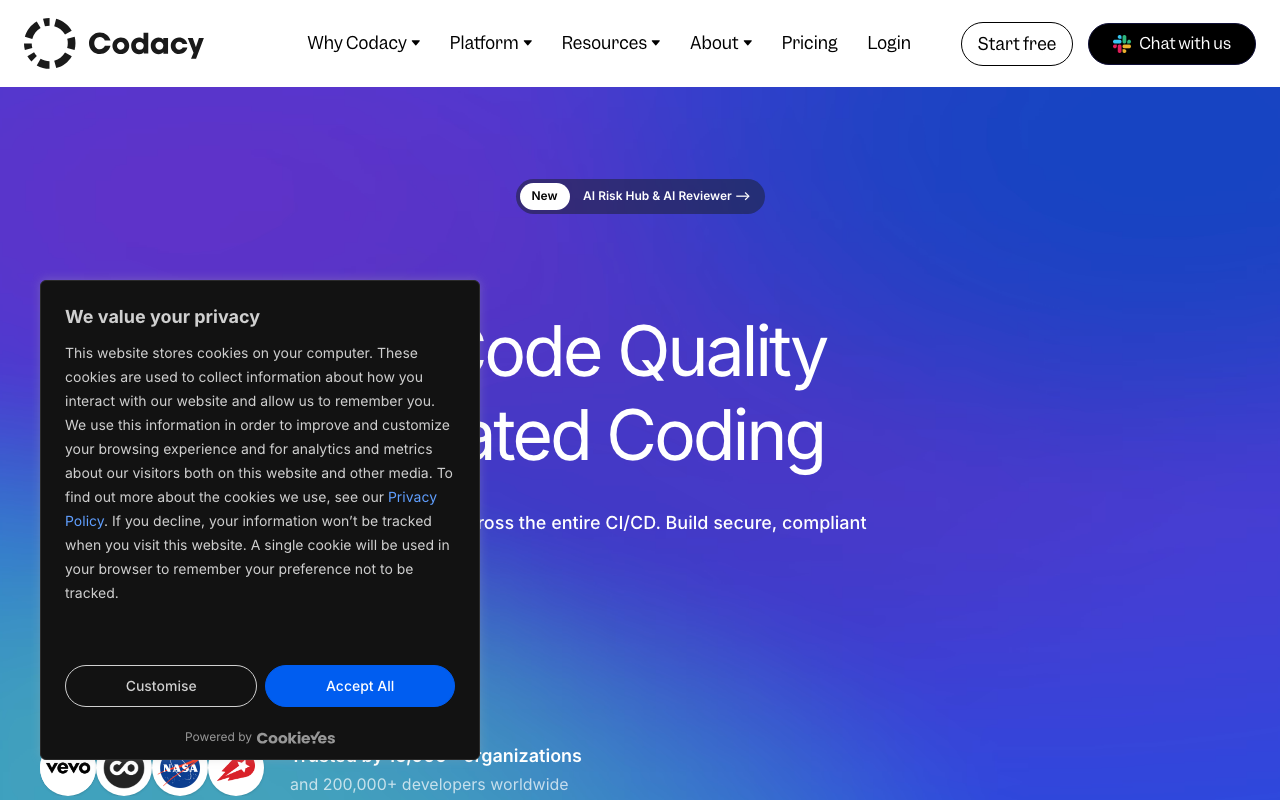
Codacy is the closest drop-in alternative for teams that want code quality, security, and coverage in one platform without managing infrastructure. If you are migrating from SonarQube and want the least disruptive transition, Codacy should be your first evaluation.
Why teams choose it over SonarQube: Codacy delivers the same core capabilities - SAST, code quality rules, coverage tracking, and PR-level feedback - without requiring self-hosted infrastructure. Connect your GitHub, GitLab, or Bitbucket repository and scanning starts within minutes. There is no database to provision, no JVM to tune, and no upgrade cycle to manage.
The pricing model is the other major differentiator. At $15/user/month with unlimited scans and LOC, you know exactly what you will pay regardless of how large your codebase grows. A 50-person team pays $9,000/year versus SonarQube Enterprise’s $20,000+ baseline before infrastructure costs.
Key features:
- 49-language support - More languages than SonarQube’s 35+ at GA
- SAST + SCA + DAST + secrets detection - Comprehensive security scanning with ZAP-powered DAST
- Quality gates - Block merges based on configurable thresholds, similar to SonarQube
- Coverage tracking - Integrates with existing test coverage reporters
- AI Guardrails - Free IDE extension that scans AI-generated code in real time in VS Code, Cursor, and Windsurf
Migration path from SonarQube: Codacy supports importing existing SonarQube quality profiles to reduce reconfiguration effort. Most teams complete migration in 1-2 days. PR decoration works out of the box on GitHub, GitLab, and Bitbucket.
Pricing: Free tier for up to 5 repositories. Pro plan at $15/user/month. Business plan with self-hosted options at approximately $37.50/user/month.
Limitations: Rule depth is narrower than SonarQube’s 6,500+ rules, particularly for Java and C# where SonarQube’s analysis is deepest. Compliance reporting (OWASP, CWE mapping) is less comprehensive. AI review features are functional but less advanced than dedicated AI-first tools. Self-hosted deployment requires the Business plan at 2.5x the hosted cost.
2. DeepSource - Best for low false positives
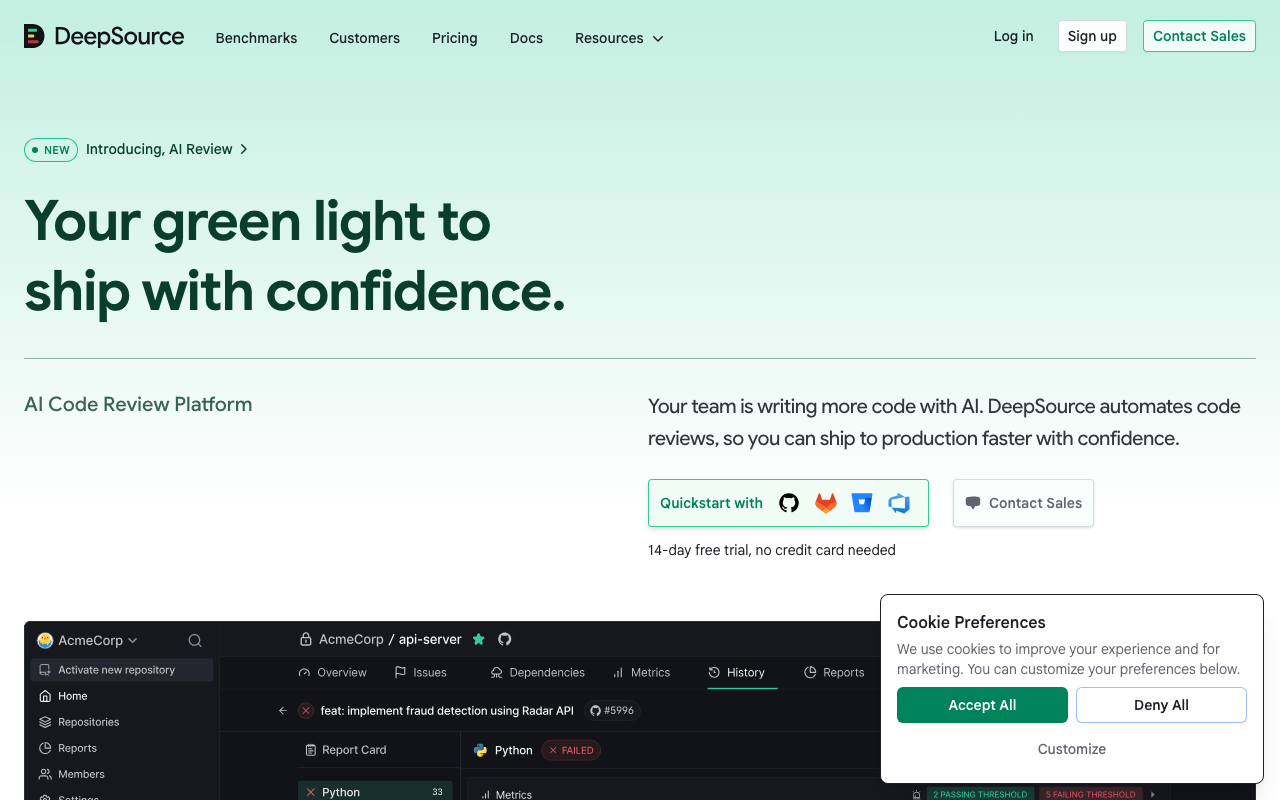
DeepSource is built around a sub-5% false positive rate, which is its defining advantage. If your team has accumulated “alert fatigue” from SonarQube findings that are technically correct but practically irrelevant, DeepSource offers a higher-signal alternative.
Why teams choose it over SonarQube: The noise problem is real. Teams running SonarQube on large legacy codebases often face thousands of findings, many of which are low-priority code smells or style preferences labeled with the same urgency as genuine bugs. Developers stop reading the findings, and the tool becomes expensive shelfware. DeepSource addresses this by being aggressive about filtering out low-value findings before they reach developers.
The five-dimension PR report card evaluates every pull request across Security, Reliability, Complexity, Hygiene, and Coverage. This structured feedback helps developers understand not just what to fix but what category the issue falls into and how severe it is. The Autofix AI feature generates context-aware fixes for detected issues, reducing manual refactoring workload.
Key features:
- Sub-5% false positive rate - Industry-leading signal-to-noise ratio
- 5,000+ analysis rules - Comparable depth to SonarQube for supported languages
- Autofix AI - Context-aware one-click fixes for detected issues
- Five-dimension PR reports - Security, Reliability, Complexity, Hygiene, Coverage scoring
- Committer-based billing - Only pay for developers who actively push code
Pricing: Free for individual developers. Team plan at $30/user/month. Enterprise pricing is custom.
Limitations: Language support covers 16 languages at GA versus SonarQube’s 35+. Some languages including C/C++, Swift, and Kotlin remain in beta. The $30/user/month price point is double what Codacy charges and may be hard to justify unless false positive reduction is your top priority. No DAST or container scanning. Quality gate enforcement is less granular than SonarQube’s.
3. Semgrep - Best for custom security rules
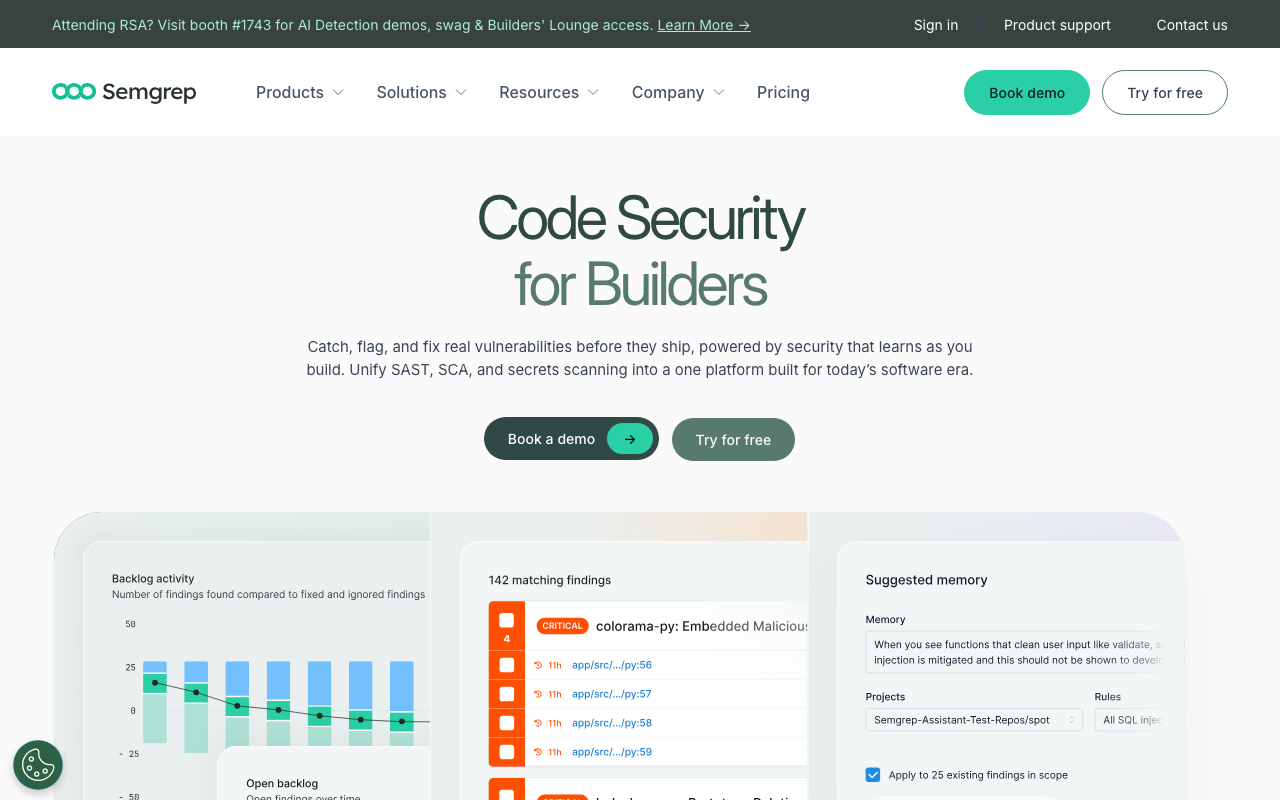
Semgrep replaces SonarQube’s security scanning with a faster, more flexible, and more developer-friendly alternative. If your primary reason for using SonarQube is catching security vulnerabilities, Semgrep does it better in most dimensions.
Why teams choose it over SonarQube: Three words: speed, flexibility, and cost. Semgrep scans at a median of 10 seconds in CI pipelines - 20-100x faster than SonarQube. Rules are written using syntax that looks like the source code being analyzed, so application developers (not just security engineers) can write and maintain organization-specific detection rules. And it is free for up to 10 contributors with the full platform.
The Pro engine adds cross-file and cross-function taint analysis, closing the gap with SonarQube’s dataflow analysis for injection vulnerabilities. The library of 20,000+ Pro rules provides out-of-the-box coverage for OWASP Top 10, CWE, and common vulnerability patterns.
Here is an example of how intuitive Semgrep rules are compared to SonarQube’s custom rule development:
# Semgrep rule: detect SQL injection via string concatenation
rules:
  - id: sql-injection-concat
    patterns:
      - pattern: |
          $QUERY = "..." + $INPUT + "..."
          cursor.execute($QUERY)
    message: "Potential SQL injection via string concatenation"
    severity: ERROR
    languages: [python]
Writing an equivalent rule in SonarQube requires creating a Java plugin with the SonarQube API, compiling it, and deploying it to the server. What takes 15-20 minutes in Semgrep can take days in SonarQube.
Key features:
- Code-like rule syntax - Write rules using patterns that resemble the source code being checked
- 20,000+ Pro rules - Comprehensive OWASP, CWE, and SANS coverage
- Cross-file taint analysis - Pro engine traces data flow across function and file boundaries
- Semgrep Assistant - AI-powered triage that reduces false positives by 20-40%
- 10-second median scan time - Fastest SAST tool available
Pricing: Free for up to 10 contributors. Team plan at $35/contributor/month. Enterprise pricing is custom.
Limitations: Semgrep is primarily a security tool. It does not offer code quality metrics, code smell detection, coverage tracking, technical debt management, or quality gate enforcement. If you use SonarQube for both quality and security, Semgrep only replaces the security half. At $35/contributor/month, costs add up for larger teams. Custom rule authoring, while intuitive, still has a learning curve for non-security engineers.
4. Snyk Code - Best for full-stack security
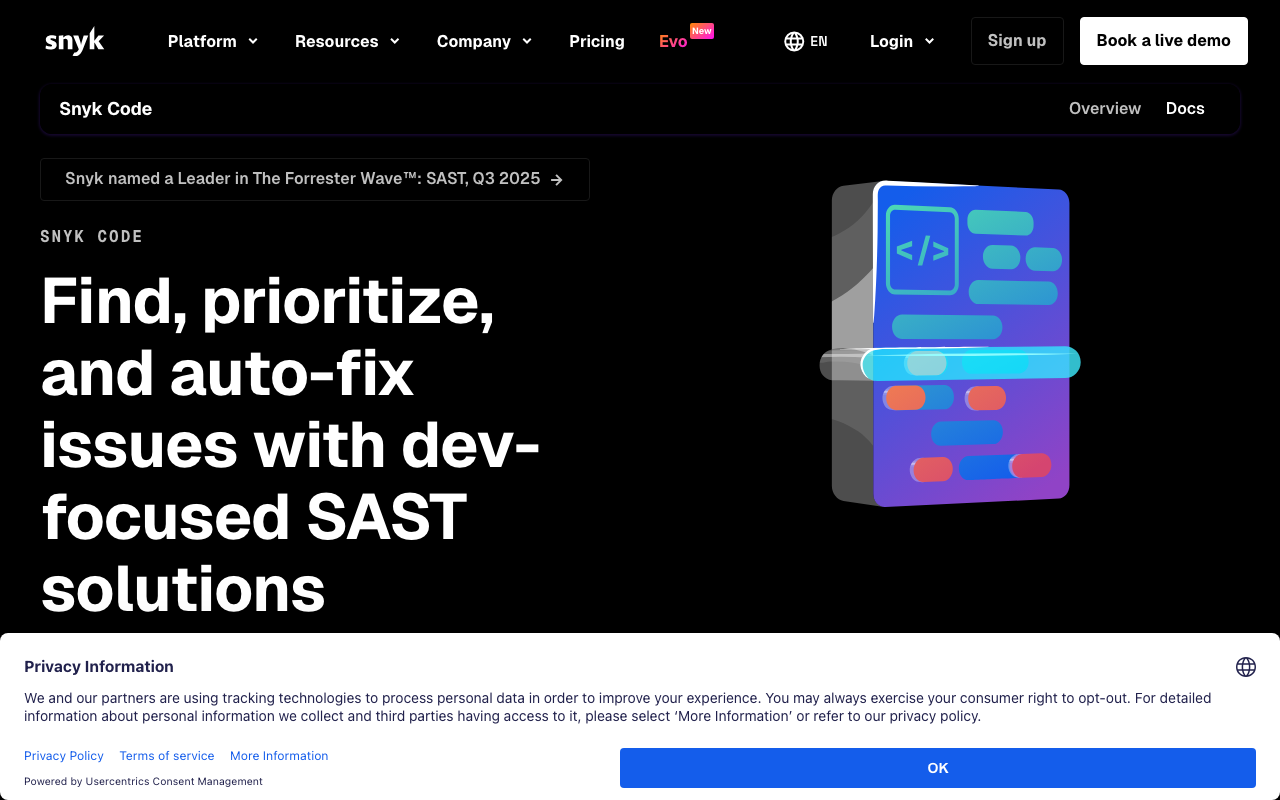
Snyk Code is the SAST component of the broader Snyk platform, which was recognized as a Gartner Magic Quadrant Leader for Application Security Testing in 2025. If your reason for using SonarQube is primarily security, and you also need SCA, container scanning, and IaC security, Snyk provides all of that under one platform.
Why teams choose it over SonarQube: Snyk’s DeepCode AI engine performs interfile dataflow analysis that traces vulnerability paths across multiple function calls and files. In practical terms, this means it catches injection vulnerabilities that go through service layers, repository patterns, and helper functions before reaching a dangerous sink. SonarQube’s dataflow analysis is competent but generally not as deep for cross-file flows.
The bigger draw is platform breadth. SonarQube does SAST. Snyk does SAST, SCA (with reachability analysis that filters noise from unused vulnerable dependencies), container image scanning, IaC security for Terraform and CloudFormation, and cloud security posture management. For security teams that want a single vendor, this consolidation is valuable.
Key features:
- DeepCode AI engine - Interfile dataflow analysis with semantic code understanding
- Five security domains - SAST, SCA, container, IaC, and cloud security in one platform
- AI-powered auto-fix - Remediation suggestions trained on human-curated fix patterns
- Reachability analysis - Filters SCA noise by determining if vulnerable code paths are actually called
- IDE integration - Real-time scanning in VS Code, JetBrains, and Visual Studio
Pricing: Free tier supports 1 user with limited scans. Team plan at $25/dev/month. Enterprise pricing scales based on team size and platform breadth.
Limitations: Snyk Code is not a code quality tool. No code smell detection, complexity metrics, duplication tracking, or technical debt management. If you use SonarQube for quality as well as security, Snyk only covers the security side. SAST language support (19+ languages) is narrower than SonarQube’s 35+. Enterprise pricing at scale ($67K-$90K/year for 100 developers) is substantial.
5. CodeRabbit - Best AI-powered PR review
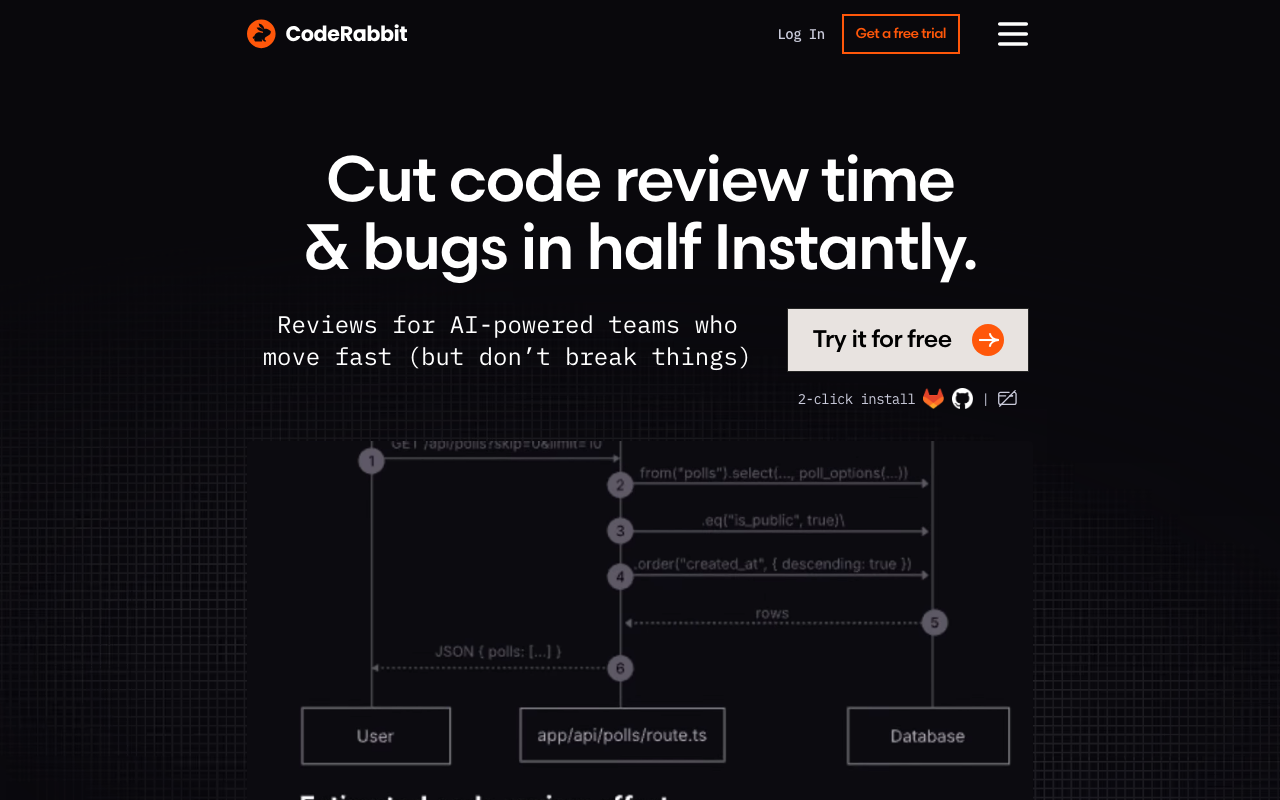
CodeRabbit is not a static analysis tool and should not be considered a direct SonarQube replacement. It belongs on this list because it catches an entirely different class of issues - logic errors, architectural problems, and semantic bugs - that SonarQube’s rule-based approach cannot detect. Many teams migrating from SonarQube add CodeRabbit as a complementary layer rather than a replacement.
Why teams add it when leaving SonarQube: CodeRabbit uses LLMs to understand code semantics. It generates structured PR walkthroughs, leaves inline comments on potential issues, and provides fix suggestions that can be applied with one click. The natural language instruction system lets you configure review behavior in plain English rather than learning a rule configuration language.
With over 2 million repos connected and 13 million+ PRs reviewed, CodeRabbit is the most widely installed AI code review application on GitHub. The free tier covers unlimited public and private repositories, making it a zero-risk addition to any workflow.
Key features:
- LLM-powered review - Understands code semantics, catches logic errors and architectural issues
- PR walkthroughs - Auto-generated summaries with file-by-file change descriptions
- Natural language rules - Configure review behavior in
.coderabbit.yamlusing plain English - 40+ built-in linters - Deterministic analysis complements AI review
- Multi-platform - GitHub, GitLab, Azure DevOps, and Bitbucket
Pricing: Free tier with unlimited repos and reviews. Pro plan at $24/user/month. Enterprise pricing for self-hosted deployments.
Limitations: Not a replacement for deterministic static analysis, quality gate enforcement, or compliance reporting. Does not track technical debt, code coverage, or code duplication. Cannot block merges based on defined thresholds the way SonarQube quality gates do. Best used alongside a static analysis tool, not instead of one.
6. Checkmarx - Best enterprise SAST platform
Checkmarx is the enterprise alternative for organizations that need SonarQube-level (or deeper) security analysis with additional application security domains. Named a Gartner Magic Quadrant Leader for seven consecutive years, Checkmarx unifies SAST, SCA, DAST, API security, container security, and IaC scanning under one platform.
Why enterprise teams choose it over SonarQube: The custom CxQL query language provides deeper customization than SonarQube’s rule system. Security teams can write organization-specific detection patterns that account for internal frameworks, custom authentication flows, and proprietary API patterns. The correlation engine cross-references findings across scan types, reducing duplicate noise when the same vulnerability appears in both SAST and DAST results.
Checkmarx also includes Codebashing, a secure code training platform that links findings to interactive learning modules. This turns every security finding into a training opportunity for developers.
Key features:
- CxQL query language - Custom rule development for organization-specific detection
- Correlation engine - Cross-references findings across SAST, DAST, SCA, and other scan types
- 40+ language support - Broader language coverage than most SAST competitors
- Codebashing - Built-in secure code training linked to findings
- Supply chain security - SCA with malicious package detection
Pricing: No free tier. Enterprise licensing starts at approximately $59,000/year. Pricing scales based on scan volume and platform breadth.
Limitations: The cost is prohibitive for small and mid-size teams. CxQL has a steep learning curve. High false positive rates without careful tuning - initial deployments often require weeks of configuration to reduce noise. Scan speed is slow on large monorepos. The platform complexity requires dedicated security engineering resources to operate effectively.
7. Coverity (Black Duck) - Best for safety-critical software
Coverity performs the deepest static analysis available for C, C++, and Java codebases. Its interprocedural, path-sensitive dataflow analysis finds defects that no other tool catches - use-after-free errors, race conditions, integer overflows, and resource leaks buried in rare execution paths across thousands of lines of code.
Why safety-critical teams choose it over SonarQube: Coverity is the gold standard for industries where software defects can cause physical harm. It holds ISO 26262 qualification for automotive, DO-178C certification for aerospace, and IEC 62304 compliance for medical devices. The built-in MISRA, CERT, and AUTOSAR rule sets are maintained by domain experts and updated with each standard revision.
The false positive rate (15-20% range) is substantially lower than most SAST tools, which means findings can be trusted and acted upon without extensive triage. This matters in safety-critical environments where every finding must be reviewed and dispositioned.
Key features:
- Interprocedural dataflow analysis - Path-sensitive analysis across thousands of lines of code
- Safety certifications - ISO 26262, DO-178C, IEC 62304 qualified
- MISRA, CERT, AUTOSAR rules - Industry-standard compliance checking
- Low false positive rate - 15-20% range, substantially lower than most SAST tools
- Free for OSS - Coverity Scan available at no cost for open-source projects
Pricing: Free for open-source projects via Coverity Scan. Commercial licensing requires sales engagement. Enterprise pricing is substantial but not publicly listed.
Limitations: No free tier for commercial use. Enterprise pricing puts it out of reach for most small and mid-size teams. Initial setup requires significant expertise and professional services. The UI and reporting feel dated. Analysis runs can be slow on very large codebases. Language coverage is narrower than SonarQube’s, with deepest analysis limited to C/C++ and Java.
8. JetBrains Qodana - Best budget alternative
Qodana runs the same 3,000+ IntelliJ inspections in your CI/CD pipeline that power JetBrains IDEs. At $6/contributor/month for the Ultimate tier, it is the cheapest paid code quality platform available by a wide margin - and for JetBrains IDE users, the consistency between IDE analysis and pipeline analysis eliminates a common frustration with other tools.
Why budget-conscious teams choose it over SonarQube: A 50-person team pays $300/month ($3,600/year) for Qodana Ultimate versus $20,000+ for SonarQube Enterprise. That is a 5-6x cost difference for comparable code quality analysis. The IntelliJ inspection engine has been refined over 20+ years and provides deep analysis for JVM languages (Java, Kotlin, Scala), JavaScript/TypeScript, Python, PHP, Go, and Ruby.
The IDE consistency is the other major benefit. If a developer using IntelliJ IDEA sees no warnings locally, Qodana will not flag new issues in CI either. With SonarQube, differences between IDE rules (SonarLint) and server rules create a common source of developer frustration.
Key features:
- 3,000+ IntelliJ inspections - Same analysis engine that powers JetBrains IDEs
- 60+ language support - Broadest language coverage at this price point
- IDE-CI consistency - Identical analysis results between local development and pipeline
- Quality gates - Configurable pass/fail criteria for CI/CD pipelines
- 60-day free trial - No credit card required
Pricing: Free tier available. Ultimate plan at $6/contributor/month. Enterprise pricing available for additional features.
Limitations: No AI-powered review capabilities. Analysis depth varies significantly by language - JVM languages get the deepest coverage while some languages receive relatively shallow analysis. Smaller ecosystem and fewer third-party integrations than SonarQube. Security analysis is less comprehensive than dedicated SAST tools. Community and documentation resources are smaller than SonarQube’s mature ecosystem.
9. Qlty - Best for polyglot codebases
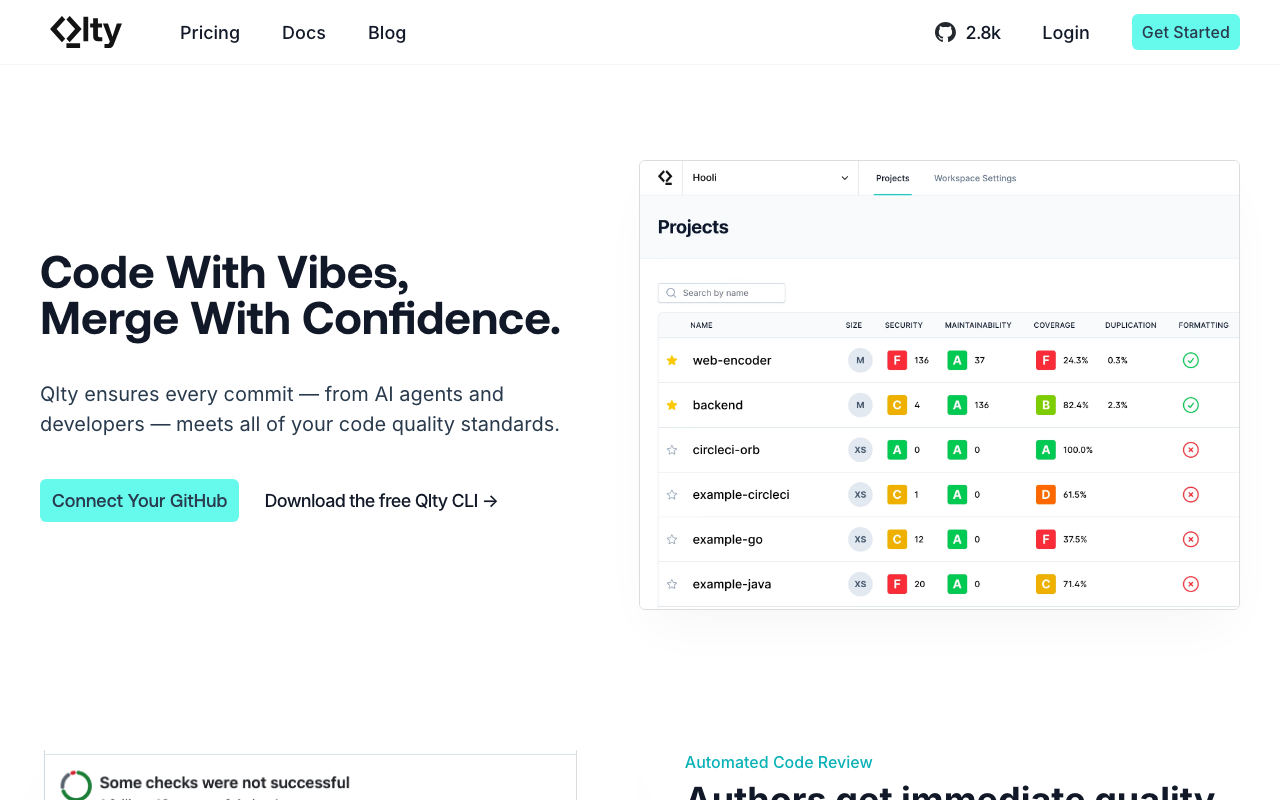
Qlty, built by the makers of Code Climate, packages 70+ static analysis tools into a unified CLI covering 40+ languages with over 20,000 code quality rules. The free CLI is completely unrestricted for commercial use, making it the most accessible code quality tool for teams that do not want to pay for basic linting and analysis.
Why polyglot teams choose it over SonarQube: If your codebase spans 5-10 languages, configuring SonarQube for each one requires language-specific plugins, scanner configurations, and quality profiles. Qlty unifies 70+ existing analysis tools (ESLint, Pylint, RuboCop, golangci-lint, and many others) under a single CLI and cloud dashboard. You write one configuration file and get consistent analysis across every language.
The Git-aware incremental analysis only flags new issues, making Qlty especially useful for adopting code quality tooling on legacy codebases without being overwhelmed by thousands of pre-existing findings. The maintainability grades (A-F) translate code quality into language that non-technical stakeholders and engineering managers understand.
Key features:
- 70+ built-in plugins - Unifies ESLint, Pylint, RuboCop, golangci-lint, and many more
- 40+ languages - Broadest language coverage through plugin aggregation
- Git-aware incremental analysis - Only flags new issues, not pre-existing technical debt
- Maintainability grades - A-F scoring system for code quality
- Free CLI - Unrestricted commercial use at no cost
Pricing: CLI is free. Cloud plans start at $15/contributor/month. Enterprise plan at $36/contributor/month.
Limitations: No AI-powered review suggestions. Security scanning is less comprehensive than dedicated SAST tools. The analysis minutes model on the Cloud tier can be limiting for large monorepos on the free plan. Enterprise pricing at $36/contributor/month is premium. Since Qlty aggregates existing tools rather than performing its own analysis, detection depth depends on the underlying linters for each language.
10. CodeScene - Best for technical debt prioritization
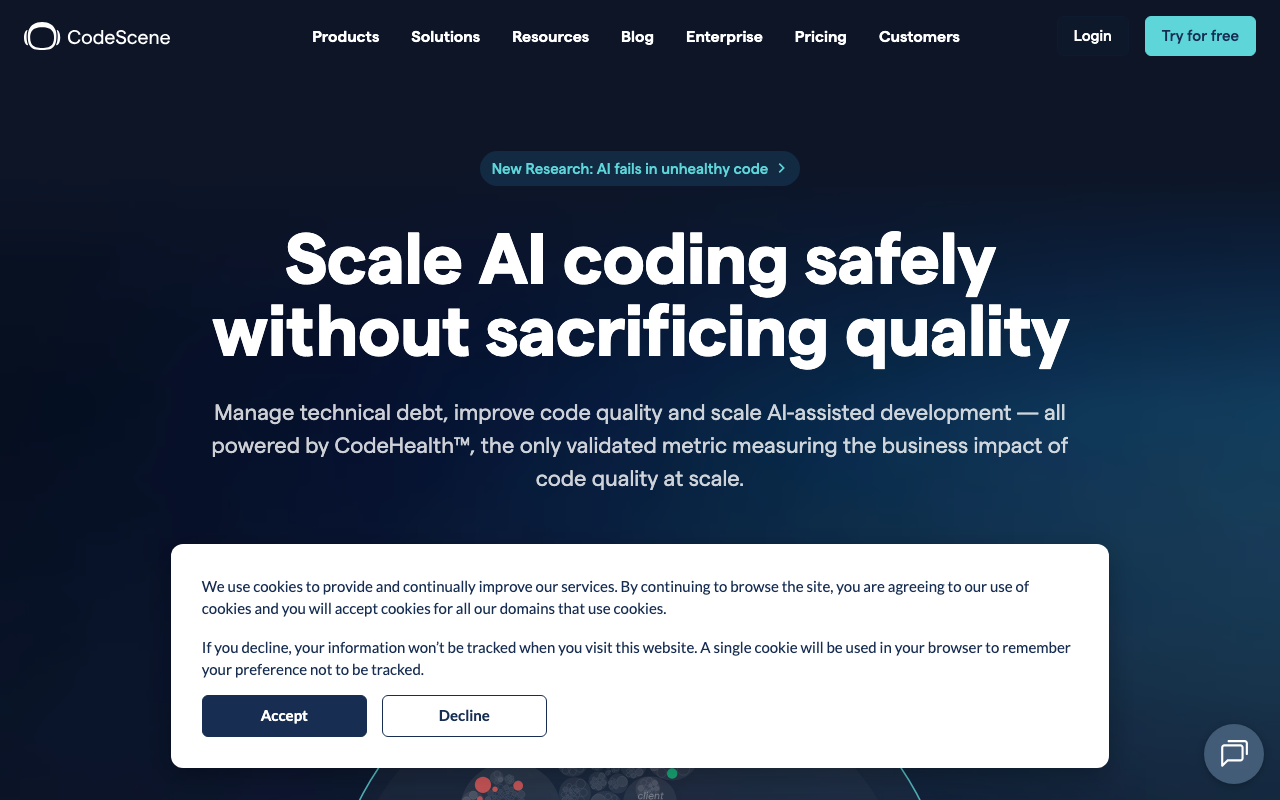
CodeScene approaches code quality from a fundamentally different angle than SonarQube. Instead of just measuring code complexity and violations, it analyzes Git history to understand how your team actually works with the code - identifying hotspots, knowledge silos, and coordination bottlenecks that predict where future bugs will emerge.
Why teams with technical debt choose it over SonarQube: SonarQube tells you that a file has high complexity. CodeScene tells you that the same high-complexity file is also the most frequently changed file in your codebase, modified by only one developer, and responsible for 40% of bug-fix commits in the past quarter. That context transforms a generic quality finding into an actionable prioritization signal with clear ROI.
The CodeHealth metric scores files on a 1-10 scale based on 25+ research-backed factors. The hotspot analysis reveals that roughly 80% of bugs concentrate in approximately 20% of files, allowing teams to focus refactoring effort where it matters most.
Key features:
- Hotspot detection - Identifies high-change, high-complexity code that drives bug rates
- CodeHealth metric - 1-10 scale based on 25+ research-backed quality factors
- Knowledge mapping - Identifies bus-factor risks and knowledge silos across the team
- AI refactoring (ACE) - Automated CodeHealth improvement for supported languages
- PR risk assessment - Predicts defect probability based on historical change patterns
Pricing: Free for open-source projects. Team plan at EUR 18/author/month. Enterprise pricing is custom.
Limitations: Steeper learning curve than traditional static analysis. Does not replace security scanning. The AI refactoring agent (ACE) supports only 6 languages. Behavioral analysis requires meaningful Git history (6+ months recommended) to produce useful results, making it less valuable for new repositories. The approach is unfamiliar to most developers, requiring organizational buy-in.
11. Pixee - Best for automated remediation
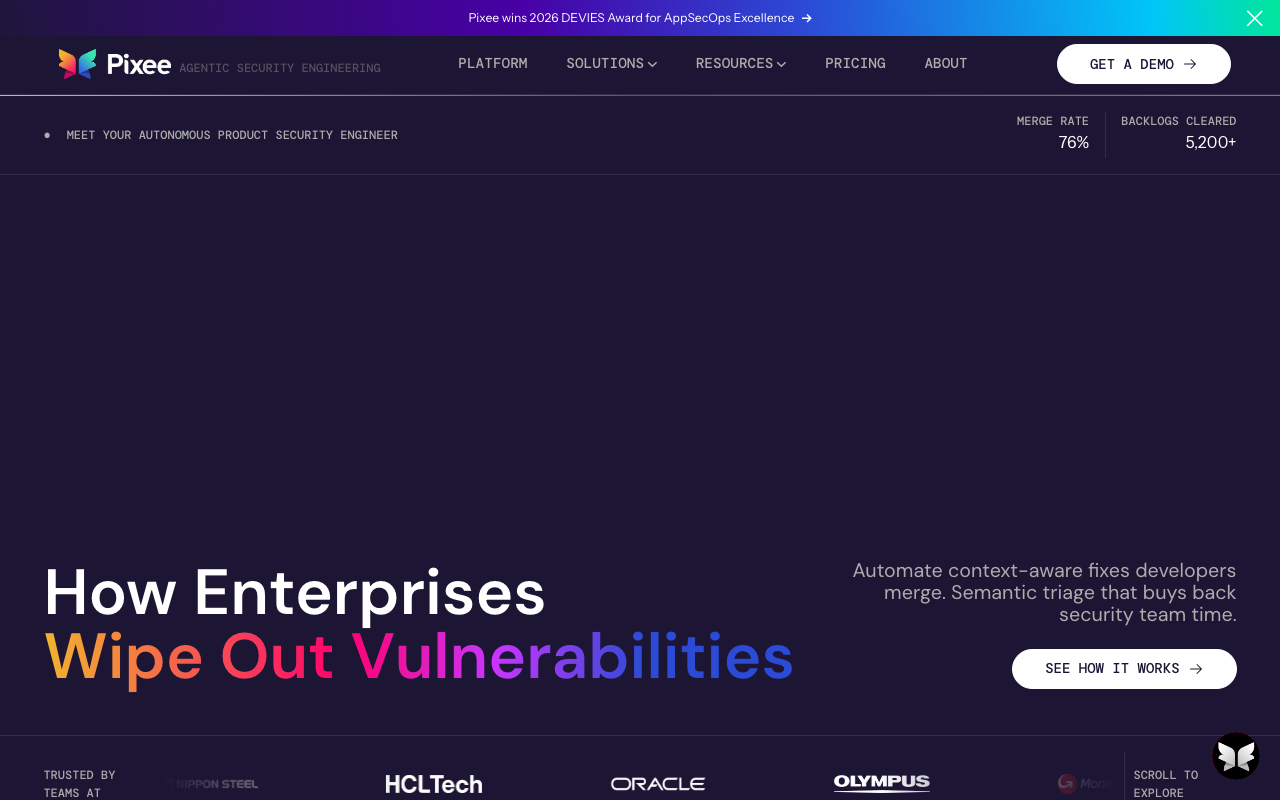
Pixee does not compete with SonarQube for finding issues. Instead, it fixes the issues your existing tools have already found. If your team has accumulated a backlog of hundreds or thousands of SonarQube findings that nobody has time to remediate, Pixee offers a path out.
Why teams with finding backlogs choose it as a complement: Pixee ingests findings from SonarQube, Snyk, Semgrep, Checkmarx, and other scanners. It performs automated triage (reducing false positives by approximately 80%), then generates mergeable pull requests with production-ready fixes for validated issues. The reported 76% developer merge rate and 91% reduction in remediation time validate the quality of its automated fixes.
Pixee is not a SonarQube replacement - it is a SonarQube force multiplier. Teams use it to clear the remediation backlog that accumulates when scanner findings outpace developer capacity.
Key features:
- Multi-scanner integration - Ingests findings from SonarQube, Snyk, Semgrep, Checkmarx, and more
- Automated fix PRs - Production-ready pull requests that respect your code style
- 80% false positive reduction - Triage eliminates low-value findings before generating fixes
- 76% merge rate - Developers accept three-quarters of generated fixes without modification
- Open-source codemodder - Extensible framework for custom fix patterns
Pricing: Free for public repositories. Pro and Enterprise pricing requires sales engagement and is not publicly listed.
Limitations: Language support is limited to Java, Python, JavaScript/TypeScript, C#, and Go. Not a standalone scanner - requires findings from another tool as input. Enterprise pricing is not transparent. Effectiveness depends on the quality and accuracy of your upstream scanner’s findings.
12. Veracode
Veracode scans compiled binaries rather than source code, which gives it a unique capability: analyzing applications written in 100+ languages, including legacy COBOL, Visual Basic 6, and other languages where source-level analysis tools have no coverage. It bundles SAST, DAST, SCA, and penetration testing into a unified platform and holds a Gartner Magic Quadrant Leader position for Application Security Testing.
Best for: Regulated enterprises with legacy codebases in languages that modern SAST tools do not support. Organizations that need binary analysis because source code is not always available (third-party vendor code, acquired applications).
Pricing: Enterprise-tier pricing that requires sales engagement. Not publicly listed, but industry reports suggest starting at $50,000+/year for mid-size deployments.
Limitations: No free tier. High cost prohibits adoption for small and mid-size teams. Binary analysis has inherent precision limitations compared to source-level analysis. Scan times can be long for large applications. The platform is oriented toward security teams rather than developers.
13. CodeClimate
The original cloud-based code quality platform, Code Climate provides maintainability grading (A-F), test coverage tracking, and engineering productivity metrics. It pioneered the concept of treating code quality as a measurable, trackable metric - a approach that Qlty (built by the same founding team) has since expanded upon.
Best for: Small teams focused on maintainability metrics and test coverage tracking. Engineering managers who want simple, visual code quality dashboards.
Pricing: Free tier available. Paid plans at approximately $15/user/month.
Limitations: Language support is narrower than modern alternatives. No security scanning. No AI-powered features. The platform has not evolved as rapidly as newer competitors. Limited integration options compared to Codacy or DeepSource.
14. Fortify (OpenText)
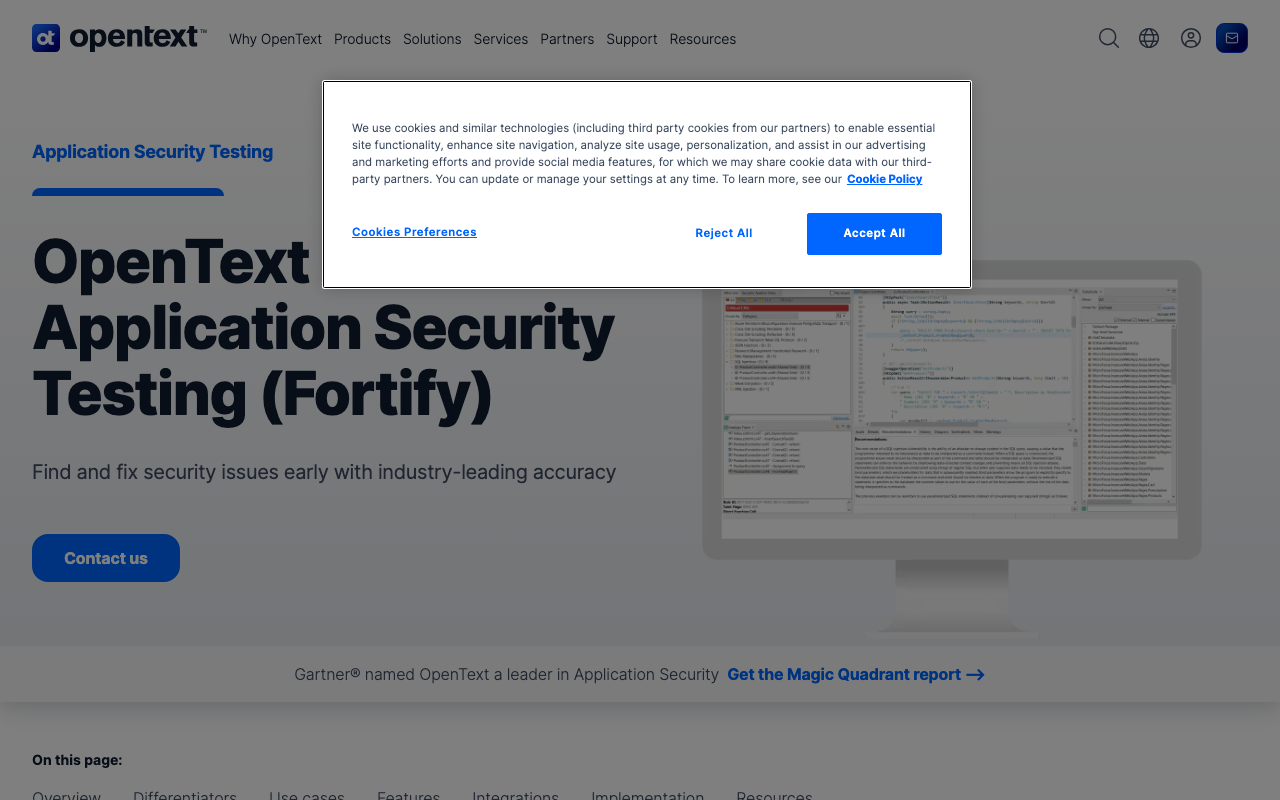
Fortify is an enterprise SAST tool that competes directly with Checkmarx and Coverity for regulated enterprise environments. It supports 30+ languages with deep analysis capabilities and includes DAST through Fortify WebInspect. Its compliance reporting covers OWASP, CWE, SANS, PCI DSS, and industry-specific standards.
Best for: Regulated enterprises already in the OpenText ecosystem. Organizations that need both SAST and DAST from a single vendor with extensive compliance reporting.
Pricing: Enterprise-level pricing requiring sales engagement. Not publicly listed.
Limitations: No free tier. Steep licensing costs. Setup and configuration require specialized expertise. Scan speeds are slower than modern cloud-native alternatives. The user experience reflects its enterprise heritage rather than modern developer tool design.
15. ESLint, Pylint, and language-specific linters
For teams that need style enforcement and basic bug detection in a single language, open-source linters remain the most cost-effective option:
- ESLint (JavaScript/TypeScript) - The most popular JavaScript linter with thousands of community rules and plugins
- Pylint (Python) - Comprehensive Python linting with code smell detection
- RuboCop (Ruby) - Style and quality enforcement for Ruby codebases
- golangci-lint (Go) - Aggregates 100+ Go linters into a single fast runner
- Checkstyle/SpotBugs (Java) - Style enforcement and bug detection for JVM languages
These tools are free, highly configurable, and supported by large communities. For single-language teams with simple quality requirements, they may be all you need.
Limitations: No cross-file analysis. No security vulnerability detection beyond basic patterns. No quality gate enforcement. No coverage tracking. No PR decoration or dashboard. No AI-powered suggestions. Each tool covers only one language, so polyglot teams need to configure and maintain multiple tools independently.
Migration considerations
Switching from SonarQube to another tool involves more than just installing the replacement. Here are the practical considerations that teams commonly underestimate.
Preserving quality gate definitions
SonarQube quality gates define pass/fail criteria for merges (coverage thresholds, zero critical bugs, duplication limits). Document your current gates before migrating. Codacy, Qodana, and Qlty Cloud support comparable quality gate definitions. DeepSource uses “Gates” with similar functionality. Some tools like CodeRabbit and Semgrep do not have quality gate concepts at all.
Handling the historical baseline
SonarQube tracks technical debt trends over time - months or years of historical data showing how code quality has changed. This history does not transfer to any alternative. If historical trend data is important for your team (for example, for executive reporting), consider running SonarQube in read-only mode alongside the new tool for a transition period.
Custom rules and configurations
If your team has built custom SonarQube rules using the Java-based custom rules API, those rules will not transfer. Audit your custom rules and determine which ones have equivalents in the target tool. Semgrep’s pattern-based rule syntax makes it the easiest target for migrating custom detection rules.
CI/CD pipeline changes
SonarQube integration typically involves a scanner step in your CI pipeline and a quality gate check. Replacing it requires:
- Removing the SonarQube scanner step
- Adding the new tool’s scanner or integration
- Updating quality gate checks (if applicable)
- Verifying PR decoration works on your platform
- Updating developer documentation
For teams using SonarQube’s scanner in 10+ repositories, automate the pipeline migration using a script rather than updating each repository manually.
Team training and adoption
Developers familiar with SonarQube’s issue categories, severity levels, and workflows need time to learn the new tool. Budget 1-2 weeks for the team to adjust. Consider running both tools in parallel during the transition so developers can compare findings and build confidence in the new tool.
Data and compliance considerations
For teams in regulated industries, verify that the new tool meets your data residency requirements. Some cloud-hosted tools process code outside your geographic region. Self-hosted options (SonarQube Community Build, Qlty CLI, PR-Agent) keep all data on your infrastructure. Enterprise tiers of Codacy, DeepSource, and Snyk offer data residency guarantees.
How to choose the right SonarQube alternative
Decision framework by primary pain point
“SonarQube is too expensive for our team size”:
- Qodana at $6/contributor/month is the cheapest paid option
- Qlty CLI is free for commercial use
- Codacy at $15/user/month offers the best value per feature
“Self-hosting is too much operational overhead”:
- Codacy - Cloud-native, zero infrastructure, scanning starts in minutes
- DeepSource - Cloud-native with the lowest false positive rate
- SonarQube Cloud - Same tool, no self-hosting, but still LOC-based pricing
“We need better security scanning”:
- Semgrep for custom rules and developer-friendly scanning (free for up to 10 contributors)
- Snyk Code for comprehensive coverage across SAST, SCA, containers, and IaC
- Checkmarx for the broadest enterprise AppSec platform
“We want AI-powered code review”:
- CodeRabbit as a complement to (not replacement for) your static analysis tool
- DeepSource for AI autofix integrated into a code quality platform
“We are in a regulated industry and need compliance”:
- Checkmarx for broad AppSec with compliance reporting
- Coverity for safety-critical C/C++ with MISRA, CERT, and AUTOSAR checking
“We have too many findings and not enough time to fix them”:
- Pixee to automatically remediate findings from your existing scanner
“We want to understand where to invest refactoring effort”:
- CodeScene for behavioral analysis and hotspot-based technical debt prioritization
The layered approach
Most teams get the best results by combining two or three tools from different categories:
- Code quality layer - Codacy, DeepSource, Qodana, or Qlty for deterministic analysis, quality gates, and coverage tracking
- AI review layer - CodeRabbit for semantic code understanding and logic error detection
- Security layer (if needed) - Semgrep or Snyk Code for deep vulnerability scanning
This approach catches the widest range of issues: rule-based tools enforce standards and track metrics, AI tools catch semantic bugs, and security tools perform deep taint analysis. The combined cost is often comparable to or less than SonarQube Enterprise while providing broader and deeper coverage.
Conclusion
SonarQube remains the deepest rule-based static analysis platform available. For enterprises with compliance requirements, established DevOps teams, and years of invested configuration, it is still a strong choice. But the market has diversified significantly, and for many teams, the combination of operational overhead, pricing model, and AI capability gaps makes switching to a modern alternative worthwhile.
The strongest approach for most teams in 2026 is layered: a code quality platform for deterministic analysis and quality gates, plus an AI review tool for semantic feedback, plus a security scanner if your requirements demand it. Start with the tool that addresses your biggest pain point - whether that is cost (Qodana), operational simplicity (Codacy), signal quality (DeepSource), security depth (Semgrep/Snyk), or AI review (CodeRabbit) - evaluate for two weeks on real pull requests, and expand from there.
Further Reading
- 10 Best Codacy Alternatives for Code Quality in 2026
- 10 Best DeepSource Alternatives for Code Quality (2026)
- 10 Best Code Climate Alternatives for Code Quality in 2026
- 13 Best Code Quality Tools in 2026 - Platforms, Linters, and Metrics
- I Reviewed 32 SAST Tools - Here Are the Ones Actually Worth Using (2026)
Frequently Asked Questions
What are the alternatives to SonarQube?
The best SonarQube alternatives in 2026 include Codacy (best direct replacement at $15/user/month), DeepSource (lowest false positive rate), Semgrep (best for custom security rules), Snyk Code (best for full-stack security), CodeRabbit (best AI-powered PR review), Qodana (cheapest at $6/contributor/month), Qlty (best for polyglot codebases), and CodeScene (best for technical debt prioritization). For enterprises, Checkmarx and Coverity offer deeper security analysis. Free alternatives include Semgrep (up to 10 contributors), Qlty CLI, and SonarQube Community Build itself.
Is SonarLint deprecated?
SonarLint has been rebranded to SonarQube for IDE (previously called SonarLint). It is not deprecated but has been integrated more tightly into the SonarQube ecosystem under the new name. It continues to provide real-time code analysis within IDEs including VS Code, JetBrains, Visual Studio, and Eclipse. The core functionality remains the same - it highlights issues as you write code and can connect to a SonarQube server for synchronized rule sets.
Is CodeQL similar to SonarQube?
CodeQL and SonarQube serve overlapping but different purposes. CodeQL is GitHub's semantic code analysis engine focused primarily on security vulnerability detection using a query language that treats code as data. SonarQube is a broader code quality platform covering bugs, code smells, security vulnerabilities, technical debt tracking, and quality gate enforcement. CodeQL is free for open-source projects on GitHub and is deeper for security analysis, while SonarQube provides broader code quality management. Many teams use both - CodeQL for security and SonarQube for overall quality.
Is SonarQube still the best static analysis tool?
SonarQube remains the deepest rule-based static analysis platform with 6,500+ rules across 35+ languages, and it is still the right choice for enterprises with compliance requirements and established DevOps teams. However, it is no longer the only serious option. Cloud-native alternatives like Codacy and DeepSource eliminate self-hosting overhead, security-focused tools like Semgrep and Snyk offer faster and deeper scanning in their domain, and AI-native tools like CodeRabbit catch semantic issues that rule-based analysis misses entirely.
Can I use SonarQube for free?
Yes, SonarQube offers a free Community Build for self-hosted deployment and a free tier on SonarQube Cloud. However, the Community Build has significant limitations: no branch analysis, no PR decoration, no security hotspot review, and limited language support. These restrictions make it impractical for teams using pull request workflows. For free alternatives with fewer limitations, consider Semgrep (free for up to 10 contributors), Qlty CLI (free for commercial use), or Codacy's free tier.
How much does SonarQube cost for a 50-person team?
SonarQube uses LOC-based pricing rather than per-seat pricing, so costs depend on your codebase size. The Developer Edition starts at approximately $2,500/year for up to 100K LOC. For a typical 50-person team with 500K-1M LOC, expect to pay $10,000-$20,000/year for the Developer Edition or $20,000-$50,000/year for the Enterprise Edition. This does not include the DevOps overhead of self-hosting (database, JVM management, upgrades). Cloud-hosted alternatives like Codacy ($15/user/month or $9,000/year for 50 users) or Qodana ($6/contributor/month or $3,600/year for 50 contributors) are significantly cheaper at that scale.
What is the best free SonarQube alternative?
Semgrep offers the strongest free alternative to SonarQube, providing its full SAST platform free for up to 10 contributors including cross-file analysis, SCA with reachability, and secrets detection. Qlty CLI is free for commercial use and covers linting across 40+ languages. For self-hosted options, SonarQube's own Community Build is free but limited. CodeRabbit's free tier also provides unlimited AI-powered PR reviews at no cost.
Is Codacy a good replacement for SonarQube?
Codacy is the most direct SonarQube replacement for teams that want to eliminate self-hosting overhead. It covers code quality, SAST, SCA, DAST, secrets detection, and AI review across 49 languages at $15/user/month with predictable per-seat pricing. The trade-off is that Codacy's rule depth per language is shallower than SonarQube's, and its quality gate enforcement is less granular. For teams migrating from SonarQube Cloud or wanting quick setup, Codacy is the smoothest transition.
Does SonarQube support AI code review?
SonarQube has added AI CodeFix for generating fix suggestions and AI Code Assurance for evaluating AI-generated code quality. However, these features are relatively new and produce template-like fixes rather than deeply contextual suggestions. For AI-native code review, tools like CodeRabbit and DeepSource provide significantly more advanced LLM-powered analysis that considers cross-file context, project conventions, and PR intent.
What is the easiest SonarQube alternative to set up?
Codacy, DeepSource, and CodeRabbit are the easiest alternatives to set up, each requiring under 10 minutes from signup to first analysis. You install a GitHub or GitLab app, grant repository access, and scanning begins automatically with no infrastructure required. By contrast, self-hosted SonarQube requires provisioning a database, configuring JVM settings, setting up Elasticsearch, and managing ongoing maintenance.
Can I migrate from SonarQube to another tool without losing history?
Most SonarQube alternatives do not support direct import of SonarQube historical data. When switching tools, teams typically start with a fresh baseline and track quality trends from the migration date forward. Some tools like Codacy and DeepSource can analyze existing codebases and generate initial findings comparable to SonarQube's baseline scan. For compliance purposes, you can keep SonarQube's historical reports archived while running the new tool going forward.
Which SonarQube alternative is best for security scanning?
Semgrep and Snyk Code are the best SonarQube alternatives for security scanning. Semgrep offers 20,000+ security rules, cross-file taint analysis, reachability-based SCA, and AI-powered triage. Snyk Code provides SAST, SCA, container security, and IaC scanning with auto-fix suggestions. Both outperform SonarQube's security analysis in depth and speed, though neither provides SonarQube's code quality metrics or technical debt tracking.
Is Qodana cheaper than SonarQube?
Yes, Qodana is significantly cheaper than SonarQube for most team sizes. Qodana starts at $6/contributor/month with a free tier for individual developers. A 50-person team pays approximately $3,600/year for Qodana versus $10,000-$20,000/year for SonarQube Developer Edition. Qodana also eliminates self-hosting costs since it runs in CI/CD pipelines or as a cloud service. The trade-off is that Qodana's rule coverage is strongest for JetBrains-supported languages.
What SonarQube alternative works best for small teams?
For small teams of 1-10 developers, Semgrep (free for up to 10 contributors), CodeRabbit (free tier with unlimited repos), and Qodana (free tier plus $6/contributor/month) offer the best value. These tools provide meaningful code analysis without requiring infrastructure setup or large budgets. Codacy at $15/user/month is also a strong option for small teams wanting an all-in-one quality and security platform with minimal configuration.
Explore More
Tool Reviews
 SonarQube Review
 Codacy Review
 DeepSource Review
 Semgrep Review
 Snyk Code Review
 Checkmarx Review
 Coverity (Black Duck) Review
 JetBrains Qodana Review
 Qlty Review
 CodeRabbit Review
 CodeScene Review
 Pixee Review
Free Newsletter
Stay ahead with AI dev tools
Weekly insights on AI code review, static analysis, and developer productivity. No spam, unsubscribe anytime.
Join developers getting weekly AI tool insights.
Related Articles
Sourcery AI Alternatives: 10 Best Code Quality Tools in 2026
Compare 10 Sourcery alternatives for AI code review, Python linting, and code quality. Features, pricing, and honest recommendations.
March 17, 2026
alternatives10 Best Veracode Alternatives for AppSec
Veracode too expensive? Compare the 10 best Veracode alternatives for SAST, SCA, and AppSec with real pricing, feature comparisons, and migration guidance.
March 17, 2026
alternatives15 Best VS Code Alternatives (We Tested Them All)
The 15 best VS Code alternatives from AI-native editors like Cursor and Windsurf to blazing-fast options like Zed. Includes benchmarks and switching guides.
March 17, 2026