How to Give Code Review Feedback That Lands - Blocking vs Nitpick (2026)
Practical guidance on giving code review feedback - blocking comments vs nitpicks, tone that keeps authors receptive, and real before-and-after comment examples.
Published:
Feedback is the part of review people get wrong
Most guidance on code review focuses on what to look for. Far less covers how to say it - and that is where reviews actually succeed or fail. The same finding, phrased two ways, either teaches an author and improves the code, or makes them defensive and quietly resentful. Over months, review tone shapes whether people ship confidently or dread opening a PR.
The single most useful habit is also the simplest - separate the things that must change from the things you merely prefer, and say which is which every single time. When a reviewer dumps ten comments with no signal about priority, the author cannot tell the security bug from the naming quibble, so they either over-index on trivia or tune everything out. This guide gives you the vocabulary, the tone, and real before-and-after examples.
Blocking comments vs nitpicks
Every review comment is one of two things, and conflating them is the root of most review friction.
A blocking comment flags something that must be resolved before merge - a correctness bug, a security vulnerability, a missing test on critical logic, a design decision with lasting consequences. It answers “should this merge as-is?” with “no, not yet.” See blocking comment.
A nitpick is a minor, optional preference - a nicer variable name, a slightly cleaner pattern, a personal stylistic lean. It would be nice, but it should never hold up a merge on its own. See nitpick.
The fix is a convention every reviewer follows - prefix optional comments explicitly:
nit: could rename `d` to `elapsedDays` for clarity - non-blocking

blocking: this query interpolates `userId` directly into SQL,
so a crafted id is an injection vector. Parameterize it before merge.| Comment type | Prefix | Holds up merge? | Author must |
|---|---|---|---|
| Blocking | blocking: / must: | Yes | Fix it or discuss |
| Nitpick | nit: | No | Consider or ignore |
| Question | q: | Usually no | Answer |
| Praise | praise: | No | Enjoy it |
The takeaway - a labeled comment tells the author in one word whether they are obligated to act, which removes the guesswork that makes reviews feel adversarial.
Tone - comment on the code, not the coder
Tone is not politeness for its own sake. A defensive author argues instead of fixing, so hostile feedback literally makes the code worse. A few rules that hold up:
- Address the code, never the person. “This function does X” not “you always do X.”
- Explain the why. A request with a reason teaches; a bare command just gets grudging compliance and repeats next PR.
- Ask before you assert. When you might lack context, a question (“what happens if this is null?”) is safer and more collegial than a verdict (“this is broken”).
- Acknowledge good work. A quick “praise: nice use of a guard clause here” costs nothing and keeps reviews from being purely a list of faults.
- Own your uncertainty. “I might be missing something, but…” leaves room for the author to be right, which they sometimes are.
This is not about being soft. Blocking issues should be stated plainly and firmly. It is about spending your credibility on the comments that matter instead of eroding it with tone on the ones that do not.
Before and after - real comment examples
Abstract advice is easy to nod at and hard to apply. Here are concrete rewrites.
Correctness issue
- Weak: “This is wrong.”
- Strong: “blocking: if
itemsis empty this divides by zero and throws. Guard the empty case, or return 0 early - which did you intend here?”
Design concern
- Weak: “Why would you do it like this?”
- Strong: “q: what led you to fetch inside the loop? With a large
orderslist this is N queries - if there’s a reason it’s fine, otherwise a single batched query would scale better.”
Style preference
- Weak: “Bad name.”
- Strong: “nit:
datais a little generic - maybependingInvoices? Non-blocking, your call.”
Missing test
- Weak: “Needs tests.”
- Strong: “blocking: this refund path has no test and it touches money. Could you add a case for the partial-refund branch before we merge?”
Notice the pattern in every “strong” version - it names the consequence, offers a direction, and labels the severity. That is the whole craft. The takeaway - a good comment states what is wrong, why it matters, and how urgent it is, so the author can act without a back-and-forth.
When to approve, request changes, or comment
The button you click is itself feedback. Use it deliberately - see request changes.
- Approve when nothing blocks. If only nitpicks remain, approve with a note - “approving, the rename is optional” - so you do not force a needless extra round.
- Request changes only for genuine blocking issues. Over-using it on preferences is the fastest way to make authors dread your name in the reviewer slot.
- Comment (no verdict) when you have questions but are not the deciding reviewer, or when you want to weigh in without gating.
A frequent anti-pattern is bikeshedding - piling detailed comments on trivial, easy-to-understand choices (the color of the bike shed) while the hard architectural decision underneath goes unexamined because it is intimidating. Catch yourself doing it and redirect your attention to what actually carries risk.
Let tools carry the mechanical feedback
The more mechanical feedback a tool delivers, the more your human comments can focus on judgment and stay constructive.
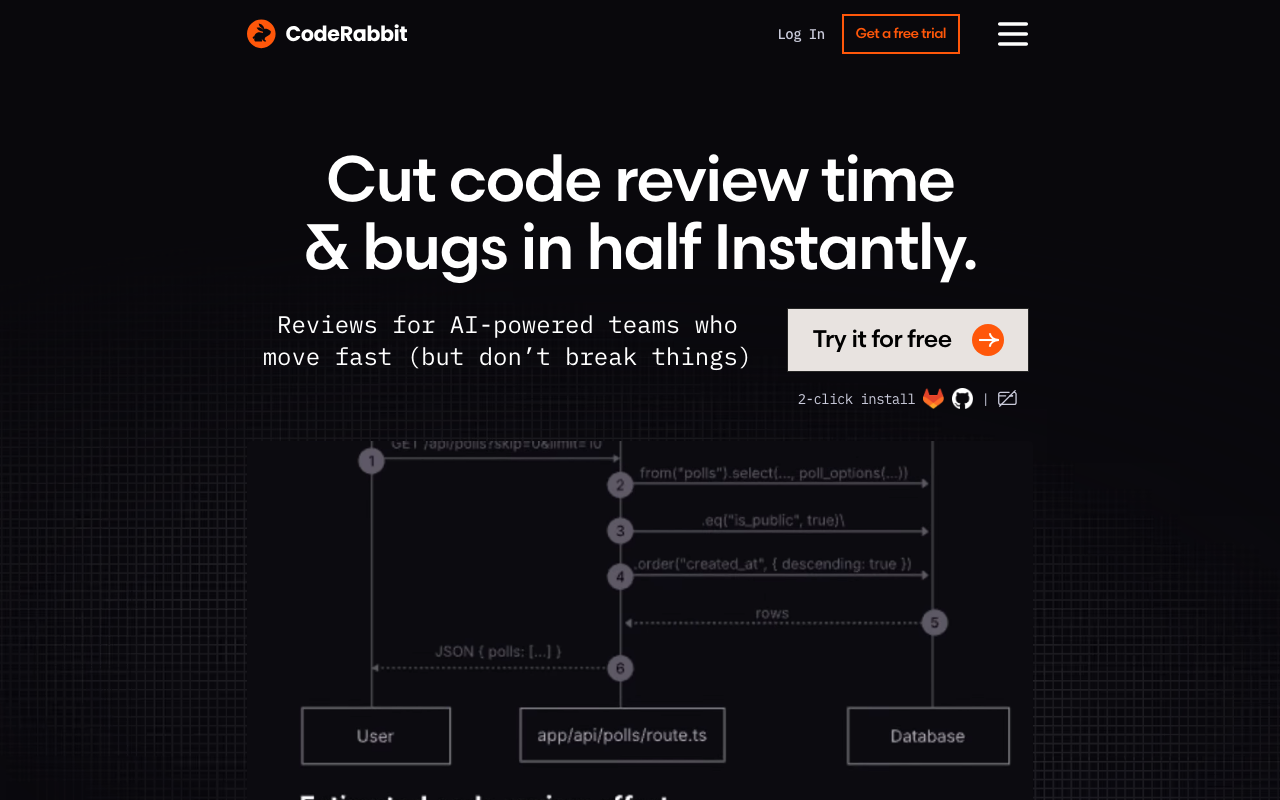
CodeRabbit posts inline suggestions and auto-fix proposals within minutes of a PR opening, and you can give it custom review instructions in natural language to match your team’s conventions (source - CodeRabbit tool page). When the bot has already handled the lint-level and obvious-bug feedback, the human reviewer arrives to a cleaner diff and can spend their comments on design and correctness - the feedback that most needs a person’s tone and judgment.
Graphite supports custom review guidelines and rules across an organization, so conventions like “prefix optional comments with nit:” can be encoded rather than left to each reviewer’s memory (source - Graphite tool page). Consistency in how feedback is delivered is itself a feature. For where automated review fits overall, see what AI code review is.
Conclusion
Giving good code review feedback comes down to three things - label whether each comment blocks or is a nitpick, direct your words at the code rather than the person, and spend your firmness on the issues that carry real risk while flagging the rest as optional. State the consequence, offer a direction, mark the severity. Approve on nitpicks instead of forcing another round, and let tools carry the mechanical comments so your human feedback stays focused and constructive. Done consistently, this is what makes people ship confidently instead of bracing every time you are assigned their PR.
Further reading
 Gitar
GitarComments are not enough
Gitar applies the fix, validates it in CI, and clears the queue.
See it on your repo Read our independent Gitar reviewFrequently Asked Questions
What is the difference between a blocking comment and a nitpick?
A blocking comment identifies something that must change before the PR can merge - a bug, a security hole, a broken test, a design flaw with real consequences. A nitpick is a minor preference that would be nice but should not hold up the merge, like a naming suggestion or a style tweak. Labeling every comment as one or the other tells the author exactly what they must act on versus what they can consider or ignore.
How do you give constructive code review feedback?
Comment on the code, not the person. Explain the why behind each request so the author learns rather than just complies. Ask questions instead of issuing commands when you might be missing context. Distinguish blocking issues from optional preferences with an explicit label. And balance criticism by acknowledging good decisions - a review that is only negative wears authors down.
Should you approve a PR with minor comments?
Often yes. If your only remaining comments are nitpicks, approve with a note like 'approving - the naming suggestions are optional' so you do not block the author on trivia and force an extra review round. Reserve request-changes for genuine blocking issues. Over-using request-changes for minor preferences slows the whole team and trains authors to dread your reviews.
How do you disagree in a code review without conflict?
Lead with curiosity - ask why the author chose their approach before assuming it is wrong, because you may lack context. State your concern in terms of consequences (this could race under load) rather than preference (I would not do it this way). If you still disagree after discussion, escalate to a quick synchronous chat rather than a long comment thread, and be willing to defer on genuine judgment calls.
Explore More
Tool Reviews
 CodeRabbit Review
 Graphite Review
Related Articles
- How to Write a Pull Request Template (With Copy-Paste Examples for 2026)
- What Makes a Good Pull Request Description (6 Templates)
- Reduce Code Review Time by 50% - Proven Strategies
- How to Measure AI Code Review False Positives: An Open Protocol
- DORA Metrics Explained - The 4 Keys and How Code Review Drives Them (2026)
Free Newsletter
Stay ahead with AI dev tools
Weekly insights on AI code review, static analysis, and developer productivity. No spam, unsubscribe anytime.
Join developers getting weekly AI tool insights.
Related Articles
CodeRabbit Azure DevOps: Setting Up AI Code Review
Set up CodeRabbit on Azure DevOps step by step. Covers Marketplace install, pipeline config, branch policies, and PR review setup.
February 18, 2026
how-toCodeRabbit GitLab Integration: Configuration Guide
Set up CodeRabbit GitLab integration for AI code review on merge requests. Covers OAuth, project config, MR analysis, and CI/CD pipeline setup.
February 18, 2026
how-toHow to Automate Code Reviews - Complete Setup Guide
Automate code reviews with AI tools, linters, and CI/CD pipelines. Covers GitHub Actions, GitLab CI, and tool configuration for every team size.
February 27, 2026